

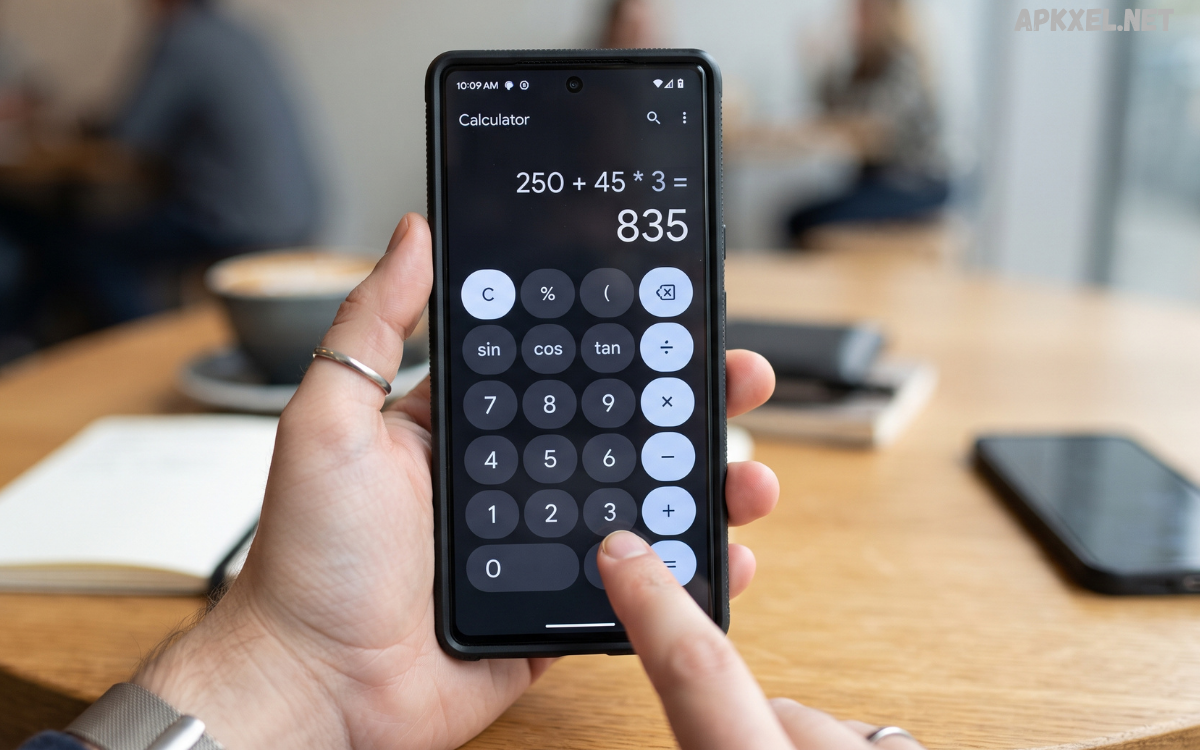
Calculations are part of everyday life, whether you are managing a budget, completing schoolwork, checking measurements, solving mathematical problems, or handling professional tasks. While every Android smartphone includes a basic calculator, dedicated Android calculator apps can provide much more advanced features for users who need greater flexibility and accuracy.
Modern Android calculator apps are designed for different types of users. Students can use scientific functions for mathematics and physics, professionals can perform financial calculations, and everyday users can quickly calculate percentages, discounts, conversions, and expenses.
What Are Android Calculator Apps?
Android calculator apps are mobile applications designed to perform mathematical calculations on Android smartphones and tablets. They range from simple calculators with basic arithmetic functions to advanced scientific and graphing calculators capable of handling complex mathematical expressions.
A standard calculator generally includes addition, subtraction, multiplication, and division. More advanced applications may offer trigonometric functions, logarithms, powers, roots, fractions, percentages, parentheses, constants, and equation-solving capabilities.
Why Use Android Calculator Apps?
A dedicated calculator application can offer several advantages over a basic built-in calculator. The most important benefit is functionality. Users can select an application based on their particular calculation requirements instead of relying on a single standard tool.
Students can benefit from scientific and educational functions when working on mathematics, chemistry, physics, and engineering problems. Professionals can use specialized calculators for finance, construction, programming, statistics, or technical measurements.
Key Features of Android Calculator Apps
Basic Arithmetic
Every reliable calculator should provide fundamental arithmetic operations. Addition, subtraction, multiplication, and division are essential for everyday calculations.
A clean interface with clearly labeled buttons makes these operations quick and convenient, especially when users need to perform calculations repeatedly.
Scientific Functions
Scientific calculator features are useful for students, engineers, researchers, and anyone working with advanced mathematics. Common functions include sine, cosine, tangent, logarithms, exponents, square roots, and mathematical constants.
Some applications allow users to switch between standard and scientific layouts, keeping the main interface simple while still providing advanced functionality when required.
Calculation History
Calculation history is an extremely useful feature. Instead of losing previous results after starting a new calculation, users can review earlier expressions and answers.
This feature is particularly helpful when working through multi-step problems, comparing results, or checking whether a previous calculation was entered correctly.
Unit Conversion
Some Android calculator apps include built-in unit converters. These may support length, weight, temperature, area, volume, speed, time, and other measurements.
Having calculations and conversions in one application can save users from installing several separate tools.
Percentage Calculations
Percentage calculations are useful for shopping discounts, budgeting, business calculations, taxes, tips, and academic work. A calculator with dedicated percentage functionality can make these calculations easier and reduce common input mistakes.
Fraction Support
Students and technical users may need to work with fractions regularly. Calculator applications that support fractions can simplify, convert, and calculate fractional values more conveniently than basic calculators.
Customizable Interface
A customizable interface can improve usability. Depending on the application, users may be able to adjust themes, button layouts, display settings, or other visual elements.
Customization is particularly useful for people who use a calculator frequently and prefer a specific arrangement of controls.
Read Also: Android Book Apps: The Best Ways to Read Books on Your Smartphone
Types of Android Calculator Apps
Standard Calculator Apps
Standard calculators are designed for everyday arithmetic. They usually focus on simplicity and fast access to essential operations.
They are ideal for users who mainly calculate prices, totals, percentages, expenses, and other basic values.
Scientific Calculator Apps
Scientific calculators provide advanced mathematical functions and are commonly used by students and professionals.
They can be useful for algebra, geometry, trigonometry, statistics, physics, and other technical subjects.
Graphing Calculator Apps
Graphing calculators are designed to visualize mathematical equations and functions. They can help users understand relationships between variables and analyze equations more effectively.
These applications are particularly useful for advanced mathematics and educational purposes.
Financial Calculator Apps
Financial calculators focus on money-related calculations. Depending on the application, they may include tools for loans, interest rates, savings, investments, payments, percentages, and budgeting.
Users should always verify important financial calculations independently before making significant financial decisions.
Conversion Calculator Apps
Conversion-focused applications help users convert measurements between different units. They can be helpful for travel, education, cooking, construction, science, and everyday tasks.
Android Calculator Apps for Students
Students often require more than basic arithmetic. Mathematics and science subjects can involve fractions, equations, exponents, logarithms, trigonometry, and other advanced concepts.
A good calculator app can provide convenient access to these functions from a smartphone. Some applications also display calculations clearly, which can make it easier to review the steps involved.
Android Calculator Apps for Professionals
Professionals in engineering, construction, finance, science, technology, and other fields may need specialized calculation tools.
For example, an engineer may require scientific or technical functions, while a business professional may benefit from financial calculations. Construction workers may need measurement and area calculators, while programmers may find calculators supporting different numerical systems useful.
How to Choose the Best Android Calculator App
Choosing among Android calculator apps depends on several factors.
First, consider the type of calculations you need. If you only perform basic arithmetic, a simple calculator may be sufficient. If you regularly solve advanced equations, look for scientific or graphing functionality.
Next, check usability. A calculator should have a clear interface that allows you to enter calculations without confusion. Complicated interfaces can slow down simple tasks.
Benefits of Using Android Calculator Apps
Android calculator apps provide convenience because smartphones are usually available throughout the day. Instead of carrying a separate calculator, users can access mathematical tools directly from their phones.
They can also support more advanced calculations than many basic calculators. Scientific functions, conversions, financial tools, and calculation history can make complex tasks easier to manage.
Are Android Calculator Apps Accurate?
Well-designed calculator applications can produce highly accurate mathematical results, but accuracy also depends on how calculations are entered and how the application handles certain numerical operations.
Users should check expressions carefully, particularly when working with parentheses, negative numbers, percentages, decimals, and complex formulas.
Offline Calculator Apps vs Online Calculators
Offline calculator applications can perform calculations without an internet connection. This makes them useful when traveling, working in areas with poor connectivity, or trying to minimize data usage.
Online calculators may provide additional information or specialized tools that depend on internet access. However, basic mathematical calculations generally do not require an internet connection.
Tips for Getting Better Results
To use Android calculator apps effectively, enter expressions carefully and review the displayed equation before accepting the final result.
Use parentheses when necessary to control the order of operations. When working with percentages, confirm whether you need to calculate a percentage of a number, add a percentage, or subtract a percentage.
The Future of Android Calculator Apps
Calculator applications are becoming increasingly versatile. Future applications may provide more advanced equation-solving capabilities, improved educational features, natural-language input, and stronger integration with other productivity tools.
Artificial intelligence could also make mathematical tools easier to use by allowing users to describe problems in ordinary language. However, users should still verify important results and understand the mathematical reasoning behind them.
Frequently Asked Questions
What are Android calculator apps?
Android calculator apps are applications that allow Android users to perform mathematical calculations. They can range from basic arithmetic calculators to scientific, graphing, financial, and conversion tools.
Are calculator apps free on Android?
Many calculator applications offer free versions. Some may include optional premium features, advertisements, or advanced tools.
Which calculator is best for students?
A scientific calculator with fractions, trigonometry, powers, roots, logarithms, and calculation history can be useful for students studying advanced mathematics and science.
Can calculator apps work without internet?
Yes. Many calculator applications can perform calculations completely offline because basic mathematical operations do not require an internet connection.
Do calculator apps support fractions?
Some advanced calculator applications support fractions and can perform calculations involving fractional values. The available features vary between applications.
Can Android calculator apps solve equations?
Some advanced calculator apps can solve certain types of equations. More sophisticated applications may also provide graphing and symbolic mathematics features.
Are calculator apps safe?
Calculator apps from reputable developers can generally be safe, but users should review app permissions and privacy information before installation.
Can calculator apps convert units?
Many advanced calculator applications include unit conversion features for measurements such as length, weight, temperature, area, volume, and speed.
Do calculator apps save calculation history?
Some applications save calculation history so users can review previous expressions and results. This feature varies depending on the app.
Why should I use a dedicated calculator app?
A dedicated calculator can provide specialized functions, a better interface, calculation history, conversions, and advanced mathematical features that may not be available in a basic calculator.
Conclusion
Android calculator apps have evolved beyond simple tools for addition and subtraction. Today, users can choose applications designed for everyday arithmetic, scientific calculations, education, finance, measurements, conversions, and advanced mathematics.
The right calculator depends on your individual needs. Students may prefer scientific features, professionals may require specialized functions, and everyday users may simply want a fast and easy-to-use interface.
