

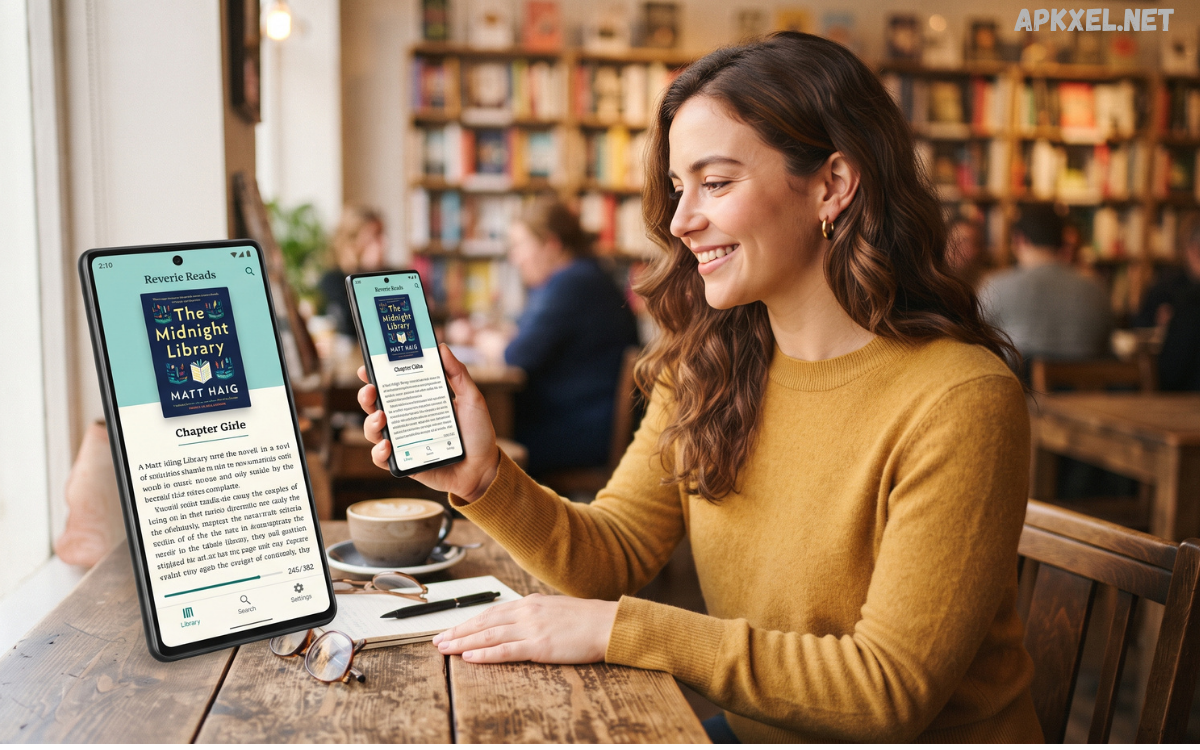
Reading has become more convenient than ever thanks to the rapid growth of mobile technology. Instead of carrying multiple physical books, readers can now access entire digital libraries directly from their smartphones and tablets.
Modern Android book apps provide much more than a simple digital reading experience. Many applications include customizable fonts, adjustable brightness, reading themes, bookmarks, highlighting tools, notes, dictionaries, and synchronization across devices.
What Are Android Book Apps?
Android book apps are mobile applications designed to help users read and manage digital books on Android smartphones and tablets. These applications can support different formats, including EPUB, PDF, TXT, and other commonly used ebook formats.
Some Android book apps provide access to large online libraries, while others function primarily as ebook readers for files already stored on a device. Depending on the application, users may be able to purchase books, borrow digital titles, download free classics, or import personal ebook collections.
Why Android Book Apps Are Becoming Popular
One of the biggest reasons for the popularity of Android book apps is convenience. Readers can carry an entire library in their pocket and start reading whenever they have free time.
Another important advantage is customization. Traditional books provide a fixed reading experience, while digital applications allow users to change font size, text appearance, screen brightness, and background themes.
Key Features of Android Book Apps
The best Android book apps usually include several features designed to improve the reading experience.
Customizable Reading Settings
Customization is one of the most useful features of a digital reading application. Users can often adjust font size, font style, margins, line spacing, and screen brightness.
Some apps also include day, night, and sepia-style reading modes. These settings allow readers to create a comfortable environment based on their preferences.
Bookmarks and Reading Progress
Bookmarks help readers quickly return to important sections of a book. Many applications also display reading progress, such as the percentage of a book completed or the remaining pages.
This feature is particularly useful when reading longer books over several days or weeks.
Highlighting and Notes
Students and researchers can benefit from highlighting and note-taking tools. Instead of writing directly on a physical page, users can highlight important passages and create digital notes.
These features can make Android book apps useful for education, research, and personal study.
Search Tools
Built-in search functionality allows readers to locate specific words, phrases, chapters, or topics quickly. This can save considerable time when working with lengthy digital books.
Offline Reading
Offline access is another valuable feature. Some applications allow users to download books so they can read without an active internet connection.
This is particularly convenient during travel or in locations where internet access is limited.
Synchronization
Many modern reading applications support synchronization between devices. If a reader uses the same account on multiple compatible devices, reading progress, bookmarks, and other information may be synchronized.
This makes it possible to start reading on a smartphone and continue later on another device.
Types of Android Book Apps
Android book apps can be divided into several categories depending on their purpose and content.
Ebook Reader Apps
Ebook reader applications are designed primarily for reading digital files. They can support popular formats and often provide extensive customization options.
These apps are ideal for people who already have a collection of ebooks and want a convenient way to organize and read them.
Online Book Libraries
Some Android book apps connect users with large digital libraries. These platforms may offer books for purchase, subscription, borrowing, or free access depending on their catalog and licensing arrangements.
They can be useful for readers who want to discover new titles without searching across multiple websites.
Audiobook Apps
Audiobook applications focus on spoken versions of books. They are particularly useful for people who prefer listening rather than reading from a screen.
Users can listen while walking, traveling, exercising, or completing other activities where traditional reading may not be practical.
Educational Reading Apps
Educational book applications provide access to textbooks, study materials, reference books, and other learning resources. Students can use these tools to organize reading materials and study more efficiently.
Some educational platforms also include interactive features, quizzes, annotations, and learning tools.
Comic and Graphic Novel Apps
Readers interested in comics and graphic novels can find Android applications specifically designed for visual storytelling. These apps may include optimized page layouts, zoom controls, and library management features.
Benefits of Using Android Book Apps
There are several advantages to using Android book apps compared with relying entirely on physical books.
Read Also: Apps Best Android Kids Apps for Safe Learning and Fun
Convenient Access
A smartphone is usually easier to carry than several physical books. Digital libraries allow users to keep many titles available on one device.
Adjustable Text
Readers can enlarge or reduce text according to their comfort level. This flexibility is especially useful when reading on different screen sizes.
Organized Libraries
Digital books can be sorted by title, author, category, or other available filters. This makes large collections easier to manage.
Cost-Saving Opportunities
Many platforms offer free public-domain books, promotional titles, samples, or subscription options. Readers can often find legitimate ways to access digital content without purchasing every book individually.
Environmentally Friendly Reading
Digital books do not require physical paper production, printing, or transportation. While digital devices still have environmental impacts, ebooks can reduce the need for physical materials in some circumstances.
Instant Availability
When a book is legally available through an online platform, readers can often access it immediately instead of waiting for physical delivery.
How to Choose the Best Android Book Apps
Choosing the right application depends on individual reading habits and requirements.
First, check which ebook formats the app supports. If you already own digital books, compatibility should be one of the first considerations.
Next, examine the reading customization options. A good application should provide comfortable text settings, brightness controls, and useful reading modes.
Free vs Premium Android Book Apps
Both free and premium Android book apps can provide valuable features. Free applications may be sufficient for readers who primarily want basic ebook reading and file management.
Premium services may offer larger libraries, advanced synchronization, audiobooks, exclusive titles, improved customization, or additional features.
Tips for a Better Digital Reading Experience
To make the most of Android book apps, organize your library regularly. Remove books you no longer need and create categories or collections when the application supports them.
Adjust the display settings to make reading comfortable. Changing font size, brightness, and background mode can improve the overall experience.
Safety and Legal Considerations
When using Android book apps, readers should prioritize legitimate sources. Avoid applications that distribute copyrighted books without permission.
Downloading unauthorized copies can violate copyright laws and may expose devices to security risks, especially when applications or files come from unknown sources.
The Future of Android Book Apps
The future of Android book apps is likely to focus on personalization, accessibility, artificial intelligence, and improved multimedia experiences. Reading applications are becoming more capable of adapting to individual preferences and providing smarter recommendations.
Artificial intelligence may also help readers discover books based on interests, organize digital libraries, summarize information, or assist with vocabulary and research. These features will need to be implemented responsibly, particularly when dealing with copyrighted content and personal information.
Frequently Asked Questions
What are Android book apps?
Android book apps are applications that allow users to read, organize, purchase, borrow, or manage digital books on Android devices.
Can I read ebooks offline on Android?
Yes. Many reading applications support offline reading after a book has been downloaded through a legitimate source.
Are Android book apps free?
Some are completely free, while others offer free features alongside paid books, subscriptions, or premium services.
Can Android book apps open PDF files?
Many ebook reader applications support PDF files, although compatibility and available features can vary between apps.
Can I customize the text in an Android book app?
Most modern reading apps provide options for changing font size, style, spacing, brightness, and reading themes.
Are Android book apps useful for students?
Yes. Features such as highlighting, notes, bookmarks, search, and offline access can make digital reading useful for study and research.
Can I listen to books on Android?
Yes. Dedicated audiobook applications allow users to listen to narrated books on compatible Android devices.
How many books can an Android phone store?
The number depends on the available storage space, file sizes, and other content stored on the device. Digital books generally require relatively little storage compared with videos.
Are Android book apps safe?
Reputable applications from trusted sources are generally safer than unknown apps. Users should review permissions and avoid downloading apps or copyrighted content from suspicious sources.
Which Android book app should I choose?
The right application depends on your needs. Consider ebook format support, library size, customization, offline access, synchronization, pricing, and privacy before making a choice.
Conclusion
Android book apps have made digital reading more convenient, flexible, and accessible for millions of smartphone users. Whether you enjoy novels, educational materials, biographies, comics, nonfiction, or audiobooks, mobile reading applications can provide a practical way to maintain a digital library wherever you go.
The best app depends on your individual requirements. Readers should consider supported formats, customization features, library management, offline functionality, pricing, privacy, and legal access to content before choosing an application.
