

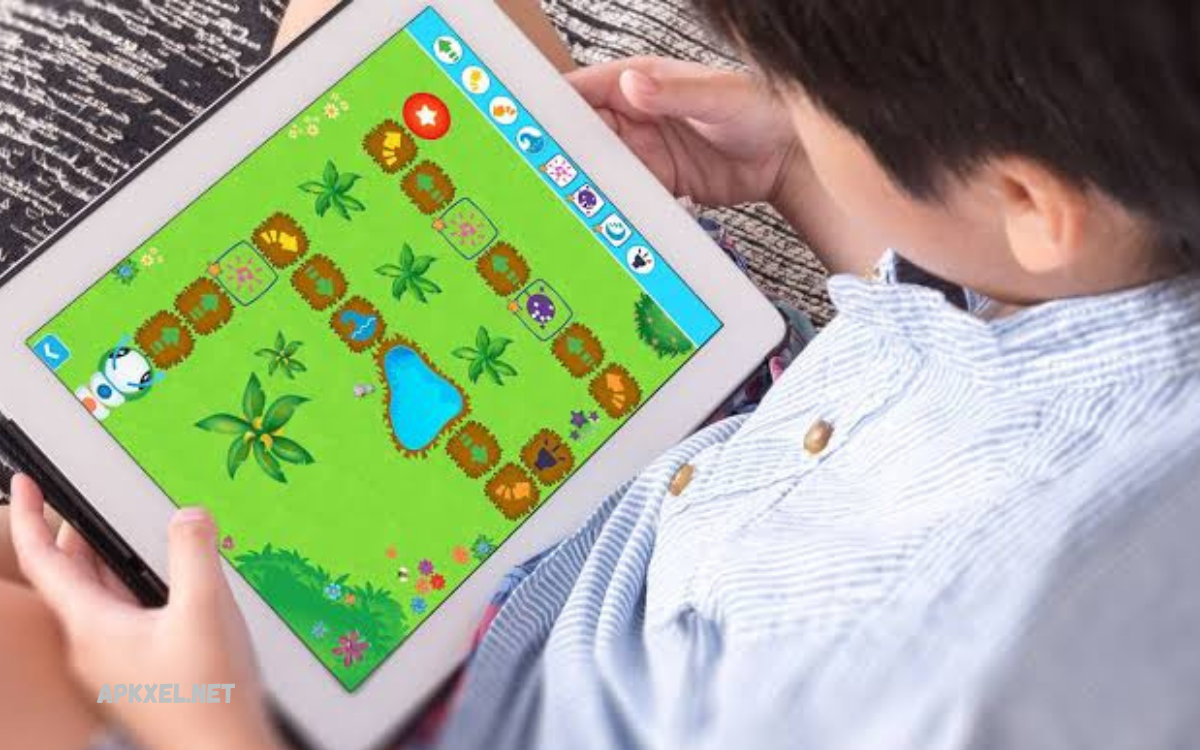
Programming has become one of the most valuable skills in today’s digital world, opening doors to careers in software development, web design, data science, artificial intelligence, cybersecurity, and more. Whether you’re taking your first steps into coding or are a professional developer looking to sharpen your expertise, the right programming learning app can make a significant difference in your learning journey.
The best programming learning apps are designed to support multiple programming languages, including Python, Java, JavaScript, C++, HTML, CSS, SQL, and many others. They provide a flexible and convenient way to build coding skills anytime, anywhere, using a smartphone, tablet, or computer.
Why Use Programming Learning Apps?
Programming apps have transformed how people learn software development by offering convenience and interactive experiences.
Some key benefits include:
- Learn anytime and anywhere
- Interactive coding exercises
- Beginner-friendly lessons
- Real-world programming projects
- Instant feedback on code
- Career-focused learning paths
- Offline learning support
- Affordable compared to traditional courses
These benefits make coding apps ideal for students, professionals, freelancers, and career changers.
SoloLearn
SoloLearn is one of the most popular programming education apps worldwide.
It offers bite-sized lessons designed specifically for beginners, as well as advanced content for experienced programmers.
Features
- Python
- Java
- JavaScript
- C++
- SQL
- HTML & CSS
- Coding playground
- AI coding assistance
- Community discussions
- Certificates
Pros
- Beginner friendly
- Mobile-first experience
- Large coding community
- Daily practice lessons
Best For
Students and complete beginners.
Mimo
Mimo focuses on teaching coding through practical exercises and interactive projects.
Its simple learning style helps users build websites and applications while learning programming concepts.
Features
- Python
- JavaScript
- HTML
- CSS
- SQL
- Git
- React basics
- Daily lessons
Pros
- Excellent user interface
- Easy learning path
- Short daily lessons
- Interactive coding practice
Best For
People learning coding during their free time.
Programming Hub
Programming Hub includes courses covering numerous programming languages.
Its visual learning approach makes difficult concepts easier to understand.
Features
- 20+ programming languages
- Compiler
- Coding examples
- Interview questions
- Certifications
Pros
- Large course library
- Beginner-friendly explanations
- Interactive compiler
Best For
Learners interested in multiple programming languages.
Codecademy
Codecademy remains one of the industry’s leading online programming education platforms.
Its structured career paths help users develop job-ready programming skills.
Features
- Python
- Java
- JavaScript
- Data Science
- Web Development
- Cybersecurity
- AI learning paths
- Projects
- Career tracks
Pros
- Professional curriculum
- Hands-on learning
- Excellent documentation
Best For
Future software developers.
Read Also: Android Launcher Apps: A Complete Guide for Professionals
Coursera
Coursera partners with top universities and technology companies to deliver professional programming education.
Many courses include certificates recognized by employers.
Features
- University courses
- Guided projects
- Professional certificates
- AI courses
- Machine Learning
- Cloud Computing
Pros
- High-quality instructors
- Industry-recognized certificates
- Flexible schedule
Best For
Professionals seeking career advancement.
Udemy
Udemy provides thousands of programming courses taught by experienced instructors.
Users purchase individual courses with lifetime access.
Features
- Python
- JavaScript
- Flutter
- React
- Node.js
- PHP
- AI
- DevOps
Pros
- Huge course library
- Affordable discounts
- Lifetime access
Best For
Self-paced learners.
freeCodeCamp
freeCodeCamp is a completely free platform offering comprehensive programming education.
Its curriculum focuses on practical experience through real-world projects.
Features
- Responsive Web Design
- JavaScript
- Python
- APIs
- Data Visualization
- Interview Preparation
Pros
- Completely free
- Practical projects
- Large developer community
Best For
Budget-conscious learners.
Grasshopper
Created for absolute beginners, Grasshopper introduces JavaScript using short interactive puzzles.
Features
- JavaScript
- Games
- Coding puzzles
- Visual lessons
- Progress tracking
Pros
- Fun learning
- Beginner friendly
- Simple interface
Best For
First-time programmers.
Enki
Enki focuses on daily coding practice similar to language-learning apps.
Users receive personalized lessons every day.
Features
- Python
- SQL
- JavaScript
- Linux
- Git
- Data Science
Pros
- Daily learning
- Personalized practice
- Knowledge reviews
Best For
Busy professionals.
DataCamp
DataCamp specializes in programming for data science and analytics.
Its interactive coding environment allows learners to practice directly in the browser.
Features
- Python
- SQL
- R
- Machine Learning
- Data Visualization
- AI
Pros
- Excellent for analytics
- Hands-on projects
- Career tracks
Best For
Aspiring data scientists.
How to Choose the Best Programming Learning App
Before selecting a coding app, consider the following factors:
Learning Goals
Choose an app based on your objectives, whether it’s web development, mobile apps, AI, cybersecurity, or software engineering.
Programming Languages
Ensure the platform supports the languages you want to learn.
Interactive Practice
Apps with coding exercises improve understanding faster than video-only platforms.
Projects
Building real applications strengthens practical programming skills.
Certifications
Certificates can enhance your resume and LinkedIn profile.
Community Support
Forums and discussion groups help solve programming problems more efficiently.
Free vs Paid Programming Apps
Free Apps
Advantages:
- No cost
- Great for beginners
- Basic programming concepts
- Community support
Limitations:
- Fewer advanced courses
- Limited certificates
- Restricted premium features
Paid Apps
Advantages:
- Professional curriculum
- Guided projects
- Career support
- Certificates
- Personalized learning
Limitations:
- Monthly or yearly subscription fees
Which Programming Language Should Beginners Learn?
If you’re new to programming, these languages are excellent starting points:
- Python – Simple syntax and widely used in AI, automation, and data science.
- JavaScript – Essential for web development and interactive websites.
- HTML & CSS – The foundation of web design.
- SQL – Important for working with databases.
- Java – Common in enterprise software and Android development.
- C++ – Great for understanding programming fundamentals and performance-focused applications.
Tips for Learning Programming Faster
Success in programming depends on consistent practice. Here are a few tips:
- Code every day, even if only for 20–30 minutes.
- Build small projects to apply what you’ve learned.
- Read documentation and official guides.
- Practice coding challenges regularly.
- Join developer communities and forums.
- Review your mistakes and improve your code.
- Learn version control with Git.
- Stay updated with modern programming trends.
Frequently Asked Questions
Are programming learning apps free?
Many programming learning apps offer free versions with basic lessons and coding exercises. Premium subscriptions usually unlock advanced courses, certificates, offline access, and additional learning resources.
Can I learn programming using only a mobile app?
Yes. Many programming apps let you learn to code directly on your smartphone. However, practicing on a computer is recommended for building larger projects and gaining professional experience.
Which programming app is best for professionals?
Professionals often choose platforms like Codecademy, Coursera, Udemy, and DataCamp for their advanced courses, real-world projects, and career-focused learning paths.
How long does it take to learn programming?
The time required depends on your goals and consistency. Learning the basics may take a few months, while becoming job-ready can take six months to a year of regular practice and project building.
Do programming learning apps provide certificates?
Yes. Many premium platforms offer certificates after course completion. These certificates can enhance your resume and demonstrate your commitment to learning, although practical skills and projects remain the most important factors for employers.
Which programming languages are available in most coding apps?
Most programming learning apps support popular languages such as Python, Java, JavaScript, C++, C#, HTML, CSS, SQL, Swift, Kotlin, and PHP.
Are coding apps suitable for children and teenagers?
Yes. Several coding apps are designed specifically for younger learners with interactive lessons, games, and visual programming exercises that make learning fun and engaging.
What features should I look for in a programming learning app?
Look for interactive coding exercises, real-world projects, support for multiple programming languages, progress tracking, offline learning, certificates, community support, and a structured learning path that matches your skill level and career goals.
Conclusion
Choosing the best programming learning app depends on your experience, goals, preferred learning style, and budget. Beginners may enjoy interactive platforms like SoloLearn, Mimo, or Grasshopper, while professionals often benefit from Codecademy, Coursera, Udemy, and DataCamp for advanced topics and career-focused training.
The most important factor is consistency. Even spending a small amount of time coding each day can lead to significant progress over the months.
