

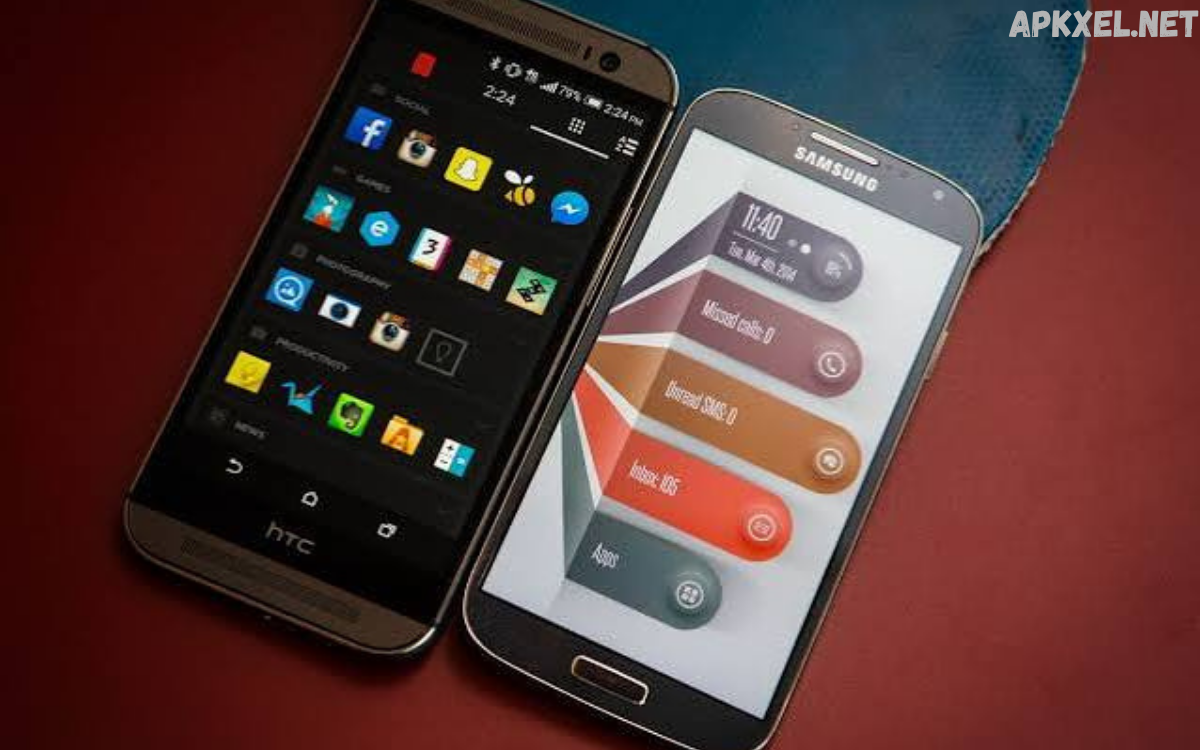
Android is widely recognized for its flexibility and customization capabilities. Unlike many mobile operating systems, Android allows users to modify nearly every aspect of their device, including its appearance, navigation, and overall user experience. One of the most effective ways to personalize an Android device is by using Android launcher apps.
A launcher serves as the interface between the user and the operating system. It controls the home screen, app drawer, widgets, gestures, icons, folders, and navigation experience. Whether you’re a business professional seeking greater productivity, a designer looking for aesthetic control, or an enterprise user aiming to streamline daily workflows, the right launcher can significantly improve how you interact with your smartphone.
What Are Android Launcher Apps?
Android launcher apps are applications that replace or enhance the default home screen interface provided by your device manufacturer. Instead of being limited to the stock experience, users can install a launcher that offers greater control over layouts, themes, widgets, animations, icon packs, and navigation.
A launcher acts as the command center of your smartphone. Every time you unlock your device, the launcher determines what you see and how you access your applications.
Unlike complete operating system modifications, launchers are easy to install and remove. They allow users to enjoy a fresh interface without rooting their devices or making permanent system changes.
Why Professionals Use Android Launcher Apps
Professionals often depend on smartphones throughout the workday. A well-designed launcher helps organize information, reduce distractions, and improve efficiency.
Business users appreciate launchers that simplify navigation, provide gesture shortcuts, and allow quick access to frequently used applications. Productivity-focused layouts reduce unnecessary taps and enable faster task completion.
Creative professionals benefit from customizable themes, icon packs, and widget arrangements that complement their workflows while maintaining a visually appealing interface.
Remote workers and freelancers frequently configure launchers with calendar widgets, task managers, communication shortcuts, and productivity folders that centralize daily activities.
Key Features of Android Launcher Apps
Home Screen Customization
The most recognizable feature of launcher apps is complete home screen customization. Users can adjust grid sizes, icon spacing, folder appearance, dock configurations, and wallpaper behavior.
This flexibility enables professionals to design a workspace that minimizes clutter while keeping important applications easily accessible.
Icon Pack Support
Most launcher apps support thousands of third-party icon packs available through app stores.
Custom icons create a consistent visual identity while allowing users to personalize their devices according to individual preferences or organizational branding.
Gesture Controls
Gesture navigation improves efficiency by assigning actions to swipes, double taps, pinches, and other touch interactions.
Common gesture shortcuts include:
- Opening business applications
- Launching the camera
- Locking the screen
- Viewing notifications
- Starting voice assistants
- Opening recent apps
These shortcuts eliminate repetitive navigation and save valuable time.
Widget Management
Widgets display useful information without requiring users to open applications.
Professionals commonly use widgets for:
- Calendar appointments
- Email previews
- Task management
- Weather updates
- News headlines
- Notes
- Battery monitoring
Advanced launchers offer widget resizing, stacking, and customization options that improve workspace organization.
App Drawer Organization
Managing hundreds of applications becomes easier with customizable app drawers.
Features often include:
- Alphabetical sorting
- Folder creation
- Hidden applications
- Search functionality
- Frequently used apps
- Category organization
These capabilities help users quickly locate important tools during busy workdays.
Backup and Restore
Professional users frequently upgrade devices or experiment with layouts.
Backup functionality allows launcher settings, home screen layouts, folders, and preferences to be restored within minutes, reducing setup time.
Performance Benefits
Modern Android launcher apps are designed with performance in mind.
Many lightweight launchers use less memory while delivering smoother animations and faster navigation than manufacturer-installed interfaces.
Benefits include:
- Faster home screen loading
- Reduced lag
- Improved responsiveness
- Efficient memory usage
- Better multitasking
- Optimized battery performance
While performance improvements vary depending on hardware, many users report a noticeably smoother experience after switching launchers.
Popular Types of Android Launcher Apps
Different launchers serve different user preferences.
Minimalist Launchers
Minimalist launchers reduce distractions by presenting clean interfaces with limited icons and simplified navigation.
These are popular among professionals seeking greater focus and digital wellness.
Productivity Launchers
Productivity launchers prioritize efficiency through gesture controls, intelligent search, calendar integration, and customizable shortcuts.
Business users often prefer these launchers for work-related tasks.
Customization-Focused Launchers
These launchers provide nearly unlimited personalization.
Users can modify:
- Fonts
- Icons
- Themes
- Animations
- Dock styles
- App transitions
- Folder designs
- Widgets
They appeal to users who enjoy creating unique smartphone experiences.
Lightweight Launchers
Older smartphones benefit from lightweight launchers designed to maximize speed while minimizing resource consumption.
These launchers remove unnecessary visual effects without sacrificing functionality.
Security and Privacy Considerations
When selecting Android launcher apps, security should remain a priority.
Users should install launchers only from trusted app marketplaces and reputable developers.
Review requested permissions carefully. Most launchers require access to notifications, wallpapers, or accessibility services, but excessive permission requests may warrant additional scrutiny.
Reading recent reviews and keeping applications updated also contributes to a more secure mobile experience.
Choosing the Right Android Launcher
Selecting the best launcher depends on individual requirements rather than popularity.
Consider the following factors:
- Ease of use
- Performance
- Customization options
- Gesture support
- Widget compatibility
- Update frequency
- Developer reputation
- Battery efficiency
- Backup functionality
- Learning curve
Testing several launchers helps identify the one that best matches personal workflow and productivity goals.
Best Practices for Using Android Launcher Apps
To maximize the benefits of a launcher, organize applications into logical folders and keep the home screen uncluttered.
Limit the number of widgets to essential information, ensuring smooth performance while maintaining easy access to critical data.
Regularly back up launcher settings so personalized layouts can be restored after device upgrades or factory resets.
Update launchers consistently to benefit from security improvements, bug fixes, and newly introduced features.
Experiment with gesture shortcuts to reduce repetitive actions and improve navigation efficiency throughout the day.
Common Misconceptions
Some users believe launcher apps slow down smartphones.
In reality, many optimized launchers perform as well as—or better than—the default manufacturer interface, particularly on devices with heavily customized software.
Another misconception is that launchers require rooting.
Modern Android launcher apps install like standard applications and can be removed at any time without affecting system stability.
Users also worry that changing launchers could erase personal data. In practice, launchers modify only the interface and layout, leaving photos, contacts, messages, and installed applications untouched.
The Future of Android Launcher Apps
Artificial intelligence is beginning to influence launcher design.
Future launchers are expected to deliver smarter app suggestions, predictive search, context-aware widgets, intelligent automation, and personalized home screen layouts based on user behavior.
Integration with smart home devices, wearable technology, cloud services, and enterprise productivity platforms will likely become even more seamless.
Frequently Asked Questions
What are Android launcher apps?
Android launcher apps are applications that replace or enhance your device’s default home screen and app drawer. They allow users to customize layouts, icons, widgets, gestures, and other interface elements without modifying the Android operating system.
Do Android launcher apps affect device performance?
Most modern launcher apps are optimized for efficiency and have little impact on performance. Lightweight launchers can even improve responsiveness on older devices by reducing resource usage.
Are Android launcher apps safe to use?
Yes, Android launcher apps are generally safe when downloaded from trusted app stores and developed by reputable companies. Reviewing permissions and user feedback before installation is always recommended.
Can I switch back to my default launcher?
Yes. Android allows users to change the default launcher at any time through the device settings. Switching back does not remove your apps or personal data.
Do launcher apps drain battery life?
Well-designed launcher apps consume minimal battery power. However, launchers with extensive animations, live wallpapers, or constantly updating widgets may use slightly more battery than simpler alternatives.
Can Android launcher apps change app icons?
Yes. Most launcher apps support custom icon packs, allowing users to replace default app icons with personalized designs for a unique and consistent appearance.
Will installing a launcher delete my files or applications?
No. Installing a launcher only changes the appearance and functionality of your home screen. Your photos, documents, contacts, messages, and installed applications remain unchanged.
Which features should professionals look for in a launcher?
Professionals often benefit from gesture controls, customizable home screens, productivity widgets, app organization tools, backup and restore options, fast search, and efficient performance.
Are Android launcher apps free?
Many Android launcher apps offer free versions with essential customization features. Some also provide premium versions that unlock advanced personalization options, additional themes, gesture controls, and exclusive tools.
Conclusion
Android launcher apps have evolved into powerful productivity and personalization tools that extend far beyond simple home screen customization. They enable users to organize applications more effectively, improve workflow efficiency, personalize visual design, and enhance the overall smartphone experience.
For professionals, the right launcher creates a workspace tailored to individual needs, making everyday interactions faster, cleaner, and more intuitive.
