

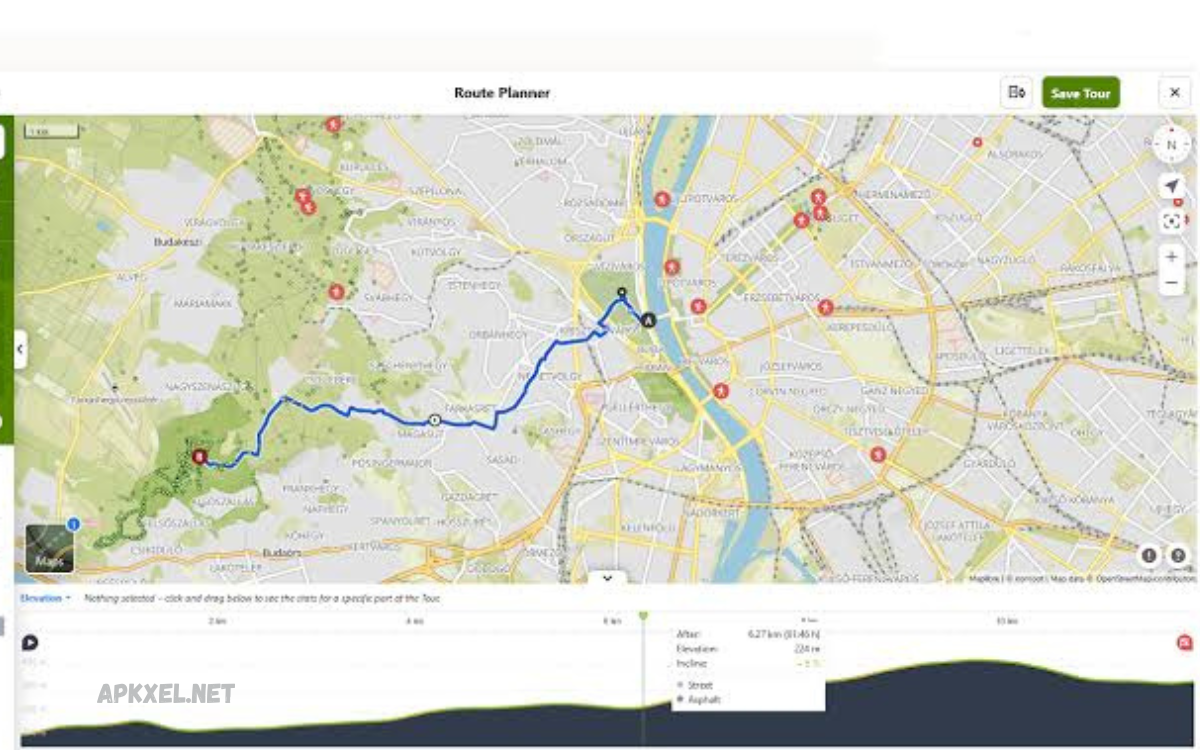
Navigation apps have become an essential part of everyday travel. However, internet access is not always available, especially when traveling through remote areas, mountains, forests, or international destinations where mobile data can be expensive or unreliable.
Whether you’re on a hiking adventure, cycling tour, or exploring a new city, offline navigation apps provide accurate GPS tracking, turn-by-turn directions, and detailed maps to help you reach your destination safely.
Why Use Offline Navigation Apps?
Although online navigation services work well in cities with stable internet, they become unreliable in areas with weak or no signal. Offline map apps solve this problem by storing maps directly on your device.
Benefits include:
- No internet connection required
- Reduced mobile data usage
- Faster map loading
- Reliable navigation in remote areas
- Ideal for international travel
- Improved battery efficiency in many situations
- Emergency navigation during network outages
For travelers, outdoor enthusiasts, delivery drivers, and commuters, offline navigation provides peace of mind.
Google Maps
Google Maps remains one of the most popular navigation apps worldwide.
Key Features
- Download maps for offline use
- Turn-by-turn GPS navigation
- Millions of businesses and landmarks
- Voice navigation
- Street View in supported areas
- Easy route planning
Pros
- Familiar interface
- Accurate directions
- Excellent search functionality
- Free to use
Cons
- Offline features are limited compared to online mode
- Downloaded maps expire periodically
- Traffic updates require internet
Best for:
- Everyday drivers
- City navigation
- Casual travelers
MAPS.ME
MAPS.ME is one of the best choices for completely offline navigation.
Features
- Fully downloadable maps
- Walking routes
- Driving directions
- Hiking trails
- Bicycle routes
- Points of interest
Advantages
- Works completely offline
- Lightweight app
- Fast performance
- Worldwide coverage
Drawbacks
- Interface may feel crowded
- Some business listings become outdated
Best for:
- Backpackers
- International travelers
- Hikers
HERE WeGo
HERE WeGo has earned a strong reputation for offline navigation.
Main Features
- Offline city maps
- Public transport information
- Walking navigation
- Driving routes
- Voice guidance
Benefits
- Excellent offline experience
- Easy downloads
- Accurate routing
- Simple design
Limitations
- Fewer local business listings
- Smaller community updates
Ideal for:
- Urban travelers
- International vacations
- Daily commuting
OsmAnd
OsmAnd is one of the most feature-rich offline navigation apps available.
Read Also: Best Map Navigation Apps for Accurate Directions
Highlights
- OpenStreetMap integration
- Offline maps
- Turn-by-turn directions
- Hiking maps
- Cycling routes
- Contour lines
- Offline search
Pros
- Highly customizable
- Frequent map updates
- Excellent outdoor navigation
- Privacy-focused
Cons
- Learning curve for beginners
- Advanced settings may seem complex
Best for:
- Adventure travelers
- Cyclists
- Hikers
- Power users
Sygic GPS Navigation
Sygic is a premium navigation app known for high-quality offline maps.
Features
- 3D offline maps
- Voice-guided navigation
- Speed camera alerts
- Lane guidance
- Dashcam support
- Head-up display (HUD)
Advantages
- Beautiful interface
- Excellent driving features
- Reliable GPS navigation
- Premium experience
Disadvantages
- Some features require payment
- Subscription options
Best suited for:
- Professional drivers
- Long-distance road trips
- Frequent travelers
Organic Maps
Organic Maps focuses on privacy and simplicity.
Features
- Offline maps
- Hiking trails
- Cycling routes
- Fast navigation
- No tracking
- Open-source development
Benefits
- Completely free
- No advertisements
- Privacy-friendly
- Lightweight
Drawbacks
- Fewer advanced driving tools
- Smaller feature set
Ideal users:
- Privacy-conscious travelers
- Outdoor explorers
- Minimalist users
TomTom GO Navigation
TomTom has decades of navigation experience.
Key Features
- Offline maps
- Traffic alerts
- Speed camera warnings
- Lane guidance
- Route planning
Advantages
- Professional navigation
- Reliable routing
- Excellent driving support
Disadvantages
- Subscription required
- Premium pricing
Perfect for:
- Daily drivers
- Commercial vehicles
- Long-distance travelers
CoPilot GPS
CoPilot GPS is designed primarily for drivers.
Features
- Offline maps
- Truck routing
- RV navigation
- Voice directions
- Lane assistance
Pros
- Excellent route planning
- Large vehicle support
- Offline reliability
Cons
- Premium features cost extra
- Interface feels slightly dated
Best for:
- Truck drivers
- RV travelers
- Business fleets
Guru Maps
Guru Maps combines offline navigation with outdoor mapping.
Features
- Offline maps
- GPS tracking
- Hiking routes
- Custom markers
- GPX support
Benefits
- Excellent outdoor tools
- Smooth performance
- Detailed maps
Downsides
- Premium subscription for advanced features
Recommended for:
- Campers
- Adventure travelers
- Hikers
Avenza Maps
Avenza Maps specializes in topographic and professional maps.
Features
- Offline topographic maps
- GPS positioning
- Trail navigation
- Custom map imports
Advantages
- Great for wilderness travel
- Professional mapping tools
- Accurate terrain navigation
Limitations
- Not ideal for city driving
Perfect for:
- Forestry workers
- Surveyors
- Serious hikers
Features to Consider Before Choosing an Offline Navigation App
When selecting the best offline navigation app, consider the following factors:
Map Accuracy
Updated maps provide safer and more efficient routes.
GPS Performance
Look for apps with fast satellite locking and reliable tracking.
Storage Size
Offline maps require storage space. Choose apps with efficient compression.
Voice Navigation
Hands-free guidance improves driving safety.
Route Planning
Advanced route planning is useful for long-distance travel.
Points of Interest
Restaurants, gas stations, hotels, hospitals, and ATMs can be lifesavers during travel.
Public Transportation
Some apps include subway, train, and bus information.
Hiking Support
Outdoor enthusiasts should choose apps offering trail maps and elevation data.
Offline Maps vs Online Maps
| Offline Maps | Online Maps |
|---|---|
| Work without internet | Require internet connection |
| Save mobile data | Use mobile data continuously |
| Reliable in remote areas | Limited by network availability |
| Faster loading | Real-time updates |
| Better for travel | Better for live traffic |
Both options have advantages, but offline maps provide greater reliability during travel.
Tips for Using Offline Navigation Successfully
- Download maps before leaving home.
- Keep your app updated regularly.
- Download entire regions instead of individual cities.
- Carry a power bank during long trips.
- Enable GPS location services.
- Save favorite destinations before traveling.
- Test offline navigation before your journey.
Which Offline Navigation App Is Best?
The answer depends on your needs.
For everyday driving: Google Maps
For international travel: HERE WeGo
For hiking: OsmAnd
For privacy: Organic Maps
For premium driving: Sygic GPS Navigation
For truck drivers: CoPilot GPS
For camping: Guru Maps
For wilderness exploration: Avenza Maps
Each app offers unique strengths, so it’s important to choose one that suits your travel style.
Frequently Asked Questions (FAQs)
Which offline map app is completely free?
Organic Maps, Google Maps (offline downloads), MAPS.ME, and HERE WeGo offer free offline navigation features.
Can GPS work without internet?
Yes. GPS uses satellites rather than mobile data. Offline navigation apps use GPS along with downloaded maps.
Which offline navigation app is best for hiking?
OsmAnd, Organic Maps, Guru Maps, and Avenza Maps are excellent choices for outdoor adventures.
Do offline maps save battery?
In many cases, yes. Since they don’t constantly download map data, offline maps can reduce power consumption, although continuous GPS usage still uses battery.
Can I use offline maps while traveling internationally?
Absolutely. Download the required maps before departure to avoid roaming charges and navigate without an internet connection.
Conclusion
Choosing the Best Offline Map Apps for Navigation ensures you stay on course no matter where your journey takes you. From city streets and scenic highways to mountain trails and remote wilderness, offline navigation apps provide dependable guidance when internet access isn’t available.
Whether you prefer the familiarity of Google Maps, the outdoor capabilities of OsmAnd, the premium driving experience of Sygic, or the privacy-focused approach of Organic Maps, there’s an app designed to meet your specific needs.
