

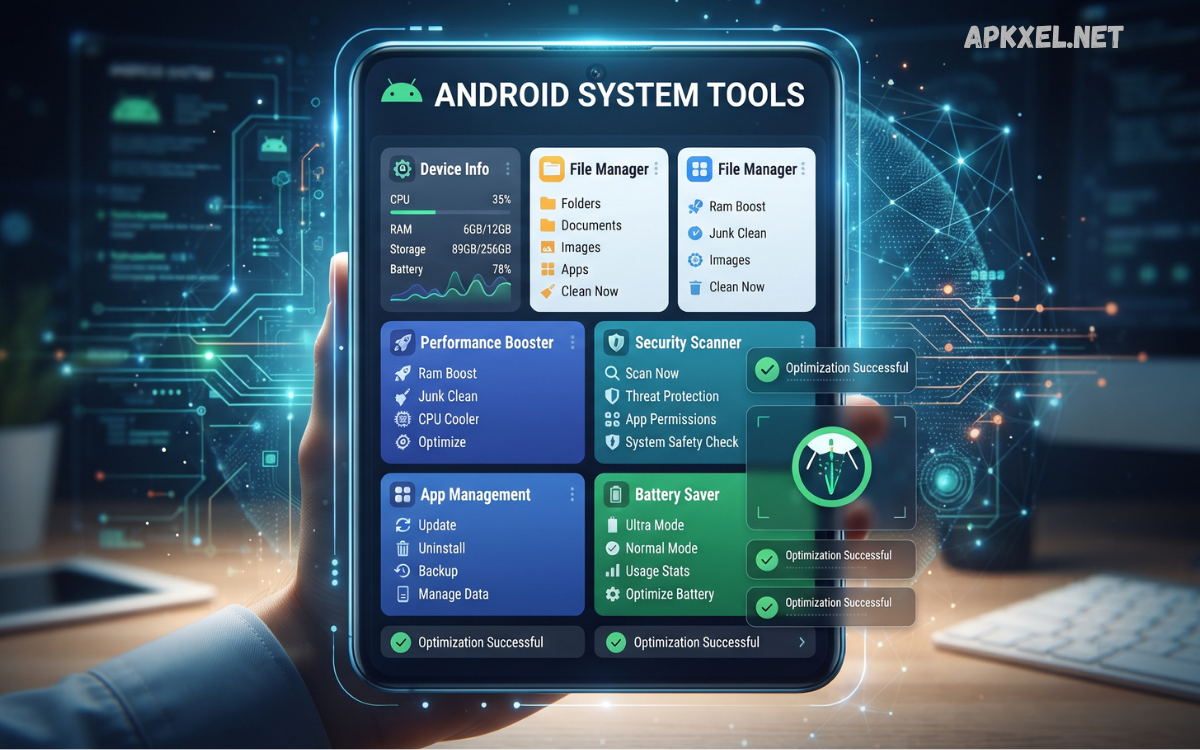
Android system tools are essential utilities that help users manage, monitor, secure, and optimize their smartphones and tablets. Modern Android devices include numerous built-in features for controlling storage, applications, battery usage, connectivity, permissions, security, and system performance.
As Android continues to evolve in 2026, system tools have become more intelligent and user-friendly. Features such as automatic storage management, battery optimization, privacy controls, device diagnostics, app permissions, and network management make it easier to maintain a smartphone without complicated technical knowledge.
What Are Android System Tools?
Android system tools are features and utilities designed to manage different aspects of an Android device. Some are integrated directly into the operating system, while others are available through trusted applications. Their primary purpose is to give users greater control over hardware, software, files, applications, connectivity, and security.
Common examples include storage management, battery settings, application management, device information, accessibility features, network settings, security controls, backup options, and developer tools.
Why Android System Tools Matter
Smartphones have become powerful computing devices that handle communication, entertainment, banking, education, work, photography, and countless other activities. Because of this complexity, users need reliable tools to monitor and manage their devices.
Android system tools provide several important advantages. They can help users identify storage problems, control application permissions, review battery consumption, manage notifications, configure connectivity, and protect sensitive information.
Storage Management Tools
Storage management is one of the most useful categories of Android system tools. Modern smartphones can quickly accumulate photographs, videos, downloaded files, documents, cached data, and unused applications.
Android provides storage settings that allow users to see how available space is being used. Depending on the device and Android version, users can review categories such as applications, images, videos, audio, documents, and system data.
Battery Management Tools
Battery management tools help users understand how their device consumes power. Android can provide information about battery usage by applications and services, helping users identify software that consumes unusually high amounts of energy.
Battery optimization features can restrict background activity for selected applications when appropriate. Users can also review battery-saving modes, adaptive battery features, screen settings, and background usage.
Application Management Tools
Android application management tools provide control over installed apps. Users can review application permissions, storage usage, notifications, battery activity, mobile data consumption, and other settings.
These controls are particularly useful when an application becomes unstable. Users may be able to force an application to stop, clear its cache, uninstall updates where supported, or remove the application completely.
Security and Privacy Tools
Security is an essential part of managing any Android device. Android includes multiple system-level security features designed to protect users from malicious applications, unauthorized access, and privacy risks.
Users should keep Android and installed applications updated whenever legitimate updates are available. Screen locks, biometric authentication where supported, application permissions, and security settings can provide additional protection.
Network and Connectivity Tools
Android system tools also provide extensive connectivity controls. Users can manage Wi-Fi, mobile networks, Bluetooth, hotspot functionality, VPN settings, and related connections.
Network settings are useful when troubleshooting connectivity problems. For example, users can review saved Wi-Fi networks, reconnect to a network, check mobile data usage, or reset network-related settings when appropriate.
File Management Tools
File management is another important area of Android system tools. File managers allow users to locate downloads, documents, images, videos, audio files, and other personal data.
A capable file management system can make it easier to organize folders, rename files, move documents, and remove unnecessary data. It can also help users identify large files that are consuming valuable storage space.
Device Information and Diagnostic Tools
Device information tools provide technical details about a smartphone or tablet. Depending on the device, users may be able to view information about the processor, memory, storage, battery, Android version, display, network, and other hardware components.
Diagnostic features can also help identify potential issues with components such as the display, speakers, sensors, cameras, or connectivity.
Developer Options and System Controls
Android includes Developer Options for advanced users and developers. These settings can provide additional information and controls related to application development, debugging, animation behavior, background processes, and USB connections.
Because some developer settings can affect system behavior, they should be changed carefully. Users should understand what a setting does before modifying it.
Backup and Restore Tools
Backup tools are essential for protecting important information. Android devices can support backup features for selected application data, settings, contacts, and other information, depending on the device and account configuration.
A backup can be extremely valuable if a smartphone is lost, damaged, reset, or replaced. Users should periodically verify that important information is stored safely rather than relying exclusively on the device itself.
Accessibility System Tools
Android accessibility features demonstrate that system tools are not limited to performance and maintenance. Accessibility settings can help users interact with their devices in different ways.
Features may include screen readers, magnification, captions, font and display adjustments, interaction controls, and other assistive options. These tools can make smartphones easier to use for people with different needs and preferences.
Read Also: Android Utility APK: Complete Guide to Useful Android Tools in 2026
How to Use Android System Tools Effectively
The best approach is to use Android system tools regularly but carefully. Users can begin by reviewing storage and battery usage, checking application permissions, keeping software updated, and maintaining reliable backups.
It is also useful to remove applications that are no longer needed and review unfamiliar applications periodically. When troubleshooting a problem, change one setting at a time so it is easier to identify what solved the issue.
Common Mistakes to Avoid
One common mistake is deleting system files without understanding their purpose. Another is installing multiple cleaning applications that perform overlapping tasks.
Users should also avoid granting excessive permissions to applications. An application should generally have access only to information or hardware that it genuinely needs.
Benefits of Android System Tools in 2026
Android system tools offer several practical benefits for modern smartphone users:
- Better control over storage and files
- Improved awareness of battery consumption
- Easier application management
- Stronger privacy and permission control
- More convenient network troubleshooting
- Reliable device information
- Useful backup and recovery options
- Greater accessibility
- Advanced controls for developers
- Easier troubleshooting of common problems
These features make everyday device management more straightforward and reduce the need for unnecessary third-party utilities.
Frequently Asked Questions
What are Android system tools?
Android system tools are built-in features and utilities that help users manage applications, storage, battery, security, connectivity, files, settings, and other device functions.
Are Android system tools safe to use?
Built-in Android system tools are generally designed for safe device management. Advanced settings should be changed carefully because some options can affect system behavior.
Can Android system tools improve phone performance?
They can help identify issues such as limited storage, excessive background activity, or problematic applications. However, they cannot magically increase hardware capabilities.
Do I need a separate Android cleaner app?
Not necessarily. Modern Android versions already provide many storage, battery, and application management features, so additional cleaner applications may not be required.
How can I manage Android storage?
Open your device’s storage settings to review how space is being used. Remove unnecessary files and applications while keeping important data backed up.
How can I check battery usage?
Android’s battery settings can show which applications and services are consuming power, helping you identify unusually high usage.
Why are app permissions important?
Permissions determine what information and hardware an application can access. Reviewing them helps users maintain greater control over privacy.
What are Developer Options?
Developer Options are advanced Android settings primarily intended for developers and testing. They provide additional controls that are not normally needed by everyday users.
How often should I check system settings?
A quick review every few weeks or whenever something unusual happens can help you identify storage, battery, permission, or application issues early.
Are third-party system tools useful?
Some reputable utilities can provide useful additional features, but users should carefully check an application’s reputation, permissions, privacy practices, and purpose before installing it.
Conclusion
Android system tools provide a comprehensive set of features for managing modern smartphones and tablets. From storage and battery management to application permissions, security, connectivity, backups, accessibility, and advanced settings, these utilities give users greater control over their devices.
In 2026, the growing capabilities of Android make built-in system management more valuable than ever. Rather than relying on multiple unnecessary optimization applications, users can learn how the operating system’s native tools work and use them appropriately.
