

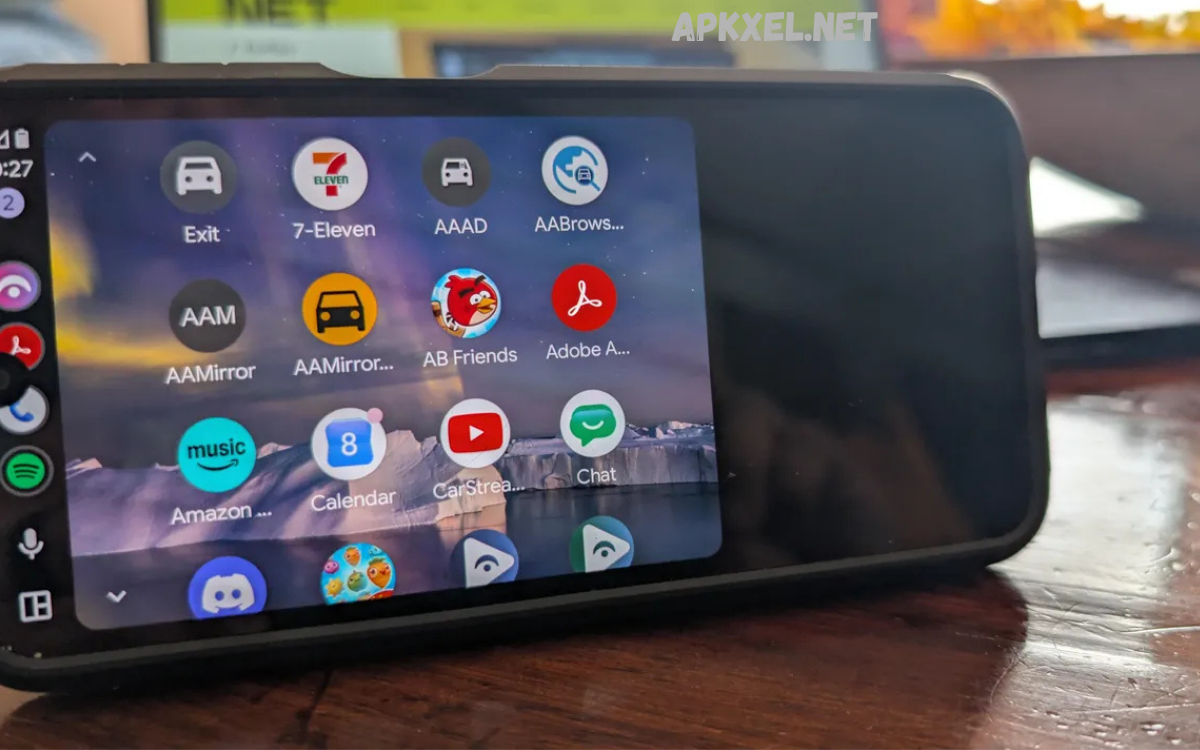
Modern professionals rely on mobile technology to stay connected, manage responsibilities, and maintain productivity regardless of location. Smartphones have evolved into powerful workstations capable of handling communication, project management, scheduling, document editing, cloud storage, and automation.
Android productivity tools have transformed the way professionals organize tasks, collaborate with colleagues, and manage time effectively. Whether you are an entrepreneur, freelancer, manager, consultant, student, or corporate employee, the right combination of Android applications can simplify complex workflows while reducing distractions and improving efficiency.
Why Do Android Productivity Tools Matter?
Professionals often juggle multiple responsibilities, including meetings, emails, deadlines, client communication, documentation, and project tracking. Managing these responsibilities without reliable digital support can result in missed deadlines, reduced efficiency, and unnecessary stress.
Android productivity tools allow users to centralize important tasks within a single mobile ecosystem. Instead of switching between notebooks, calendars, spreadsheets, messaging platforms, and reminders, professionals can integrate these functions into connected applications that synchronize across multiple devices.
Task Management Applications
Effective task management forms the foundation of professional productivity. Without clear priorities and organized schedules, even experienced professionals struggle to maintain consistent performance. Task management applications help users categorize assignments, assign deadlines, create recurring reminders, and monitor project progress with minimal effort.
Popular Android productivity tools for task management provide customizable lists, collaborative workspaces, project boards, and smart notifications. These features enable professionals to divide large projects into manageable steps while tracking completion rates and identifying priorities. Organized task management reduces mental overload and allows users to focus on meaningful work rather than remembering every responsibility.
Calendar and Scheduling Tools
Meetings, appointments, project deadlines, and personal commitments require careful scheduling to prevent conflicts and maximize available time. Calendar applications serve as digital planners that synchronize across smartphones, tablets, and desktop computers, ensuring professionals remain informed about upcoming responsibilities.
Advanced scheduling features include shared calendars, meeting invitations, recurring events, automatic reminders, and time-zone support for international collaboration. Android productivity tools with integrated calendars also connect with email platforms, allowing users to convert invitations into scheduled events automatically while keeping professional and personal commitments organized.
Note-Taking Applications
Ideas often emerge unexpectedly during meetings, phone calls, travel, or brainstorming sessions. Reliable note-taking applications enable professionals to capture information instantly without interrupting workflow. Digital notes remain searchable, editable, and synchronized across multiple devices for easy retrieval.
Modern Android productivity tools offer handwritten notes, voice recording, image support, document scanning, checklists, and cloud synchronization. Professionals benefit from having project ideas, meeting summaries, research notes, and client information stored securely in one searchable location, eliminating the need for scattered paper documents.
Cloud Storage Solutions
Access to important files from any location has become essential for modern professionals. Cloud storage applications eliminate dependence on physical storage devices while ensuring documents remain available whenever needed. Automatic synchronization also reduces the risk of losing valuable business information.
Android productivity tools featuring cloud storage allow professionals to upload presentations, contracts, spreadsheets, reports, images, and videos for secure access across multiple devices. Collaboration becomes significantly easier because team members can review, edit, and share files without exchanging multiple email attachments or outdated document versions.
Communication and Collaboration Platforms
Professional success increasingly depends on effective communication. Teams frequently operate across different cities, countries, and time zones, making reliable messaging and collaboration platforms indispensable. These applications centralize conversations while supporting voice calls, video conferences, and document sharing.
Android productivity tools designed for collaboration integrate messaging, project discussions, meeting scheduling, file sharing, and notification management into unified workspaces. Professionals spend less time switching between applications and more time completing meaningful work while maintaining continuous communication with colleagues and clients.
Read Also: Best AI Chatbot Apps for Productivity and Communication
Document Editing Applications
Business professionals regularly create reports, proposals, presentations, invoices, contracts, and spreadsheets. Mobile document editing applications provide flexibility by allowing users to review and modify files without requiring access to a desktop computer. This capability proves especially valuable during travel or client meetings.
Android productivity tools supporting document editing maintain compatibility with popular office formats while offering cloud synchronization, collaborative editing, formatting options, and commenting features. Professionals can finalize documents, respond to feedback, and share updated versions directly from their smartphones whenever necessary.
Email Management Tools
Email remains one of the primary communication methods in professional environments. Managing hundreds of daily messages without an organized system can reduce productivity significantly. Dedicated email management applications simplify inbox organization through labels, categories, filters, search functions, and automated rules.
Android productivity tools for email help professionals prioritize urgent communication while minimizing distractions caused by promotional messages or low-priority notifications. Smart inbox management improves response times, reduces information overload, and ensures important business conversations receive appropriate attention.
Time Management Applications
Time represents one of the most valuable professional resources. Understanding how working hours are spent helps individuals identify inefficiencies and improve daily performance. Time management applications record work sessions, generate productivity reports, and encourage better scheduling practices.
Android productivity tools focused on time management include timers, focus sessions, work-hour tracking, break reminders, and performance analytics. These features help professionals maintain concentration, reduce multitasking, and develop healthier work habits that improve long-term productivity.
Automation Tools
Many repetitive workplace activities consume valuable time despite requiring minimal decision-making. Automation applications reduce manual effort by creating workflows that execute routine tasks automatically. This allows professionals to dedicate more attention to strategic responsibilities.
Android productivity tools supporting automation connect multiple applications and trigger predefined actions based on specific events. Examples include automatically saving email attachments to cloud storage, synchronizing calendar events, sending reminders, organizing files, or generating notifications when projects reach important milestones.
Password Management Applications
Managing numerous online accounts has become increasingly challenging for professionals. Secure password management applications store login credentials within encrypted digital vaults while generating strong passwords for improved cybersecurity. This reduces reliance on easily remembered but insecure passwords.
Android productivity tools with password management capabilities simplify secure access across multiple business platforms without sacrificing convenience. Automatic login support, biometric authentication, encrypted storage, and secure password sharing enhance both security and workflow efficiency for professionals handling sensitive business information.
Focus and Distraction Management
Constant notifications, social media updates, and unnecessary interruptions reduce workplace efficiency and limit deep concentration. Focus applications help professionals create distraction-free working environments by temporarily restricting access to nonessential applications and notifications during designated work sessions.
Android productivity tools emphasizing focus often include customizable timers, productivity statistics, concentration modes, website blocking, and scheduled work intervals. These features encourage disciplined work habits while helping professionals complete important assignments with greater accuracy and reduced mental fatigue.
Choosing the Right Android Productivity Tools
Selecting suitable applications depends on professional responsibilities, industry requirements, and individual workflow preferences. Some users prioritize project management, while others require advanced document editing, communication, automation, or secure file storage. Evaluating daily work habits helps identify the most valuable productivity solutions.
Professionals should also consider application compatibility, synchronization capabilities, security standards, offline functionality, collaboration features, subscription costs, and long-term reliability before committing to any platform. Choosing complementary Android productivity tools instead of overlapping applications creates a streamlined digital workspace that supports consistent performance without unnecessary complexity.
Best Practices for Maximizing Productivity
Installing numerous applications alone does not guarantee better performance. Productivity improves when professionals establish organized workflows supported by consistent habits and clear objectives. Regularly reviewing tasks, maintaining updated calendars, organizing digital files, and minimizing distractions contribute significantly to sustainable workplace efficiency.
Professionals should periodically evaluate whether their Android productivity tools continue meeting changing business needs. Removing unused applications, updating software regularly, enabling security features, and integrating automation wherever possible keeps digital workflows efficient while reducing unnecessary complexity.
Frequently Asked Questions
What are Android productivity tools?
Android productivity tools are mobile applications designed to help users manage tasks, organize schedules, collaborate with teams, edit documents, store files, and improve overall work efficiency. They simplify daily workflows and support professionals in staying productive from anywhere.
Which Android productivity tools are best for professionals?
The best Android productivity tools depend on individual work requirements. Professionals commonly use apps for task management, cloud storage, note-taking, document editing, communication, calendars, and project collaboration to streamline their daily responsibilities.
Are Android productivity tools free to use?
Many Android productivity tools offer free versions with essential features. Premium plans usually include advanced collaboration, additional storage, enhanced security, automation, and business-focused features for users with more demanding workflows.
How do Android productivity tools improve workplace efficiency?
These tools help professionals organize tasks, automate repetitive work, manage schedules, collaborate in real time, and access important files across multiple devices. This reduces manual effort and improves time management throughout the workday.
Can Android productivity tools be used offline?
Many Android productivity tools provide offline functionality, allowing users to create notes, edit documents, manage tasks, and review files without an internet connection. Changes are typically synchronized once the device reconnects online.
Are Android productivity tools secure for business use?
Most reputable Android productivity tools include encryption, secure cloud storage, password protection, two-factor authentication, and regular security updates. Choosing trusted applications and enabling available security features enhances data protection.
Do Android productivity tools support team collaboration?
Yes, many Android productivity tools include collaboration features such as shared workspaces, file sharing, real-time editing, messaging, task assignments, and project tracking. These capabilities make teamwork more efficient regardless of location.
How do I choose the right Android productivity tools?
Choose tools based on your daily workflow, business requirements, integration with existing software, security features, ease of use, cloud synchronization, and collaboration capabilities. Selecting applications that complement each other creates a more efficient work environment.
Can Android productivity tools replace a desktop computer?
While Android productivity tools can handle many professional tasks, including communication, document editing, scheduling, and project management, some advanced workflows may still require desktop software. For many everyday business activities, however, an Android device can serve as an effective productivity companion.
Conclusion
The modern workplace demands flexibility, organization, and efficient collaboration across multiple devices and locations. Android smartphones have become powerful business companions capable of supporting nearly every aspect of professional work, from communication and scheduling to document management and workflow automation.
The most effective Android productivity tools combine intelligent task management, secure collaboration, reliable cloud access, efficient communication, and automation within a connected digital ecosystem.
