

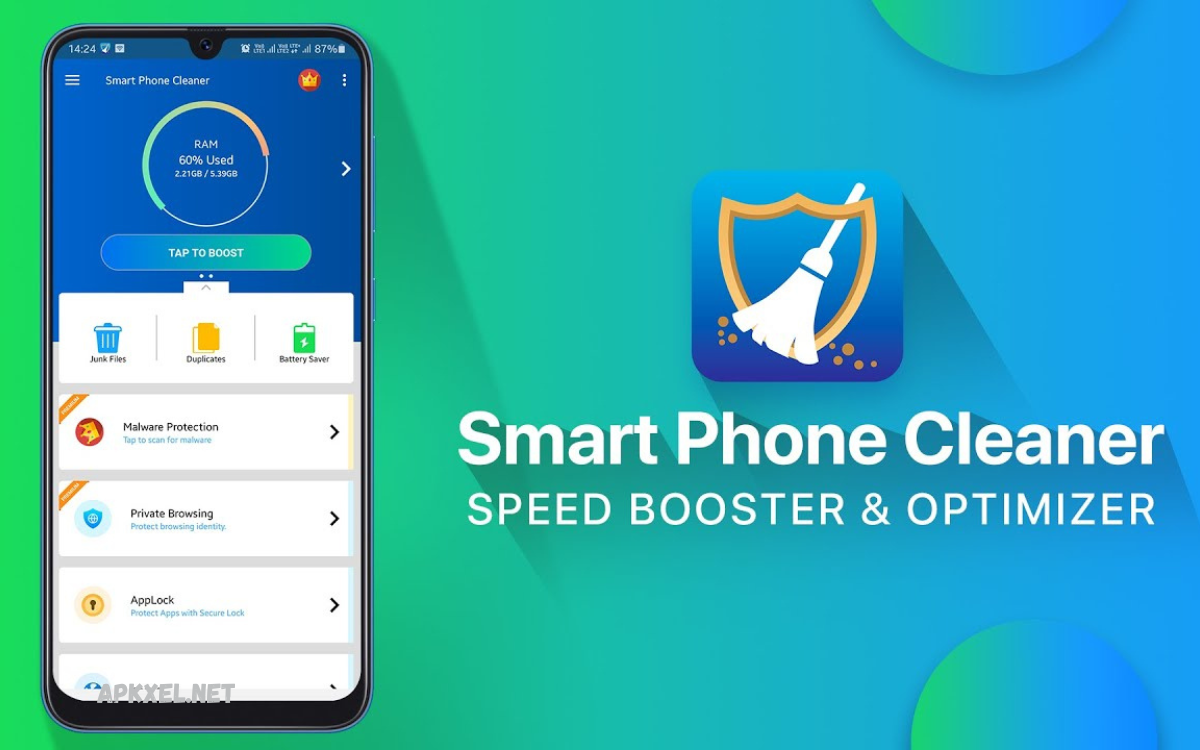
Smartphones play a crucial role in managing daily tasks, entertainment, communication, and productivity. However, over time, both Android and iOS devices tend to accumulate unnecessary files, cached data, duplicate photos, and background processes that can slow down performance.
These applications are designed to free up storage space, boost speed, and enhance battery life by removing junk files and optimizing system resources. Whether you are dealing with a lagging Android phone or an iPhone running low on storage, cleaner apps provide a simple and effective solution to keep your device running like new.
Why Phone Optimization Matters?
Smartphones store large amounts of temporary data during daily use. Apps generate cache files, browsers store history, and media apps download temporary resources. Without regular cleaning, this data builds up and affects performance.
Key problems caused by poor optimization:
- Slow app loading time
- Reduced storage space
- Battery draining faster
- Lagging interface response
- App crashes and freezes
Using optimization tools ensures long-term performance stability for both Android and iOS devices.
What Are Phone Cleaner Apps?
Phone cleaner apps are utility tools designed to analyze device storage and remove unnecessary files. They identify junk data, duplicate files, residual app data, and unused cache.
Core functions include:
- Junk file removal
- RAM optimization
- Storage management
- Battery saving modes
- App usage monitoring
These tools simplify device maintenance and keep smartphones running efficiently.
Best Phone Cleaner Apps for Android and iOS Optimization
Below are the most effective apps for improving smartphone performance on both platforms.
CCleaner Mobile
CCleaner is one of the most trusted optimization tools available.
Key Features:
- Removes junk and cache files
- Analyzes storage usage
- App management tools
- CPU and RAM monitoring
Benefits:
CCleaner improves speed and quickly frees up storage. It is simple and suitable for beginners and advanced users.
Avast Cleanup
Avast Cleanup focuses on deep cleaning and performance boosting.
Key Features:
- Smart junk cleaner
- Photo optimizer
- Battery saver mode
- Sleep mode for apps
Benefits:
It improves battery life and removes hidden junk files that slow down devices.
Read Also: APK Site Comparison: Complete Guide for Safe Android App Downloads
Files by Google (Android Only)
Files by Google is a lightweight and powerful file management tool.
Key Features:
- Smart storage cleaning
- Duplicate file removal
- Offline file sharing
- Cache clearing system
Benefits:
It is fast, secure, and highly efficient for Android users with limited storage.
Clean Master
Clean Master is a popular optimization app with a range of tools.
Key Features:
- Junk file cleaning
- Phone boost system
- Antivirus protection
- App lock feature
Benefits:
It improves performance while adding security features to protect privacy.
Norton Clean
Developed by Norton, this app focuses on safe optimization.
Key Features:
- Removes cache and junk files
- App manager tools
- Storage analyzer
- Safe cleaning process
Benefits:
It ensures secure cleaning without affecting important system files.
Smart Cleaner (iOS)
Smart Cleaner is designed specifically for iPhone optimization.
Key Features:
- Duplicate photo remover
- Contact cleanup
- Video compression tools
- Storage analysis
Benefits:
It helps iPhone users manage storage efficiently without losing important data.
Phone Cleaner – Cleaner Kit (iOS)
This app offers a complete optimization suite for iOS users.
Key Features:
- Swipe clean interface
- Battery monitoring
- Photo compression
- Security tools
Benefits:
It provides an easy way to optimize iPhones and improve storage performance.
AVG Cleaner
AVG Cleaner is a powerful optimization tool available for Android.
Key Features:
- Junk file removal
- App hibernation
- Battery optimization
- Performance boost tools
Benefits:
It helps extend battery life and improves device responsiveness.
Key Features to Look for in Phone Cleaner Apps
When choosing the Best Phone Cleaner Apps for Android and iOS Optimization, consider the following features:
1. Junk File Cleaning
Removes unnecessary system files and cache data.
2. Battery Optimization
Reduces background activity to extend battery life.
3. Storage Management
Helps identify large files and duplicate media.
4. App Management
Allows users to uninstall unused applications easily.
5. Privacy Protection
Clears browsing history and app traces for security.
Benefits of Using Phone Cleaner Apps
Using optimization apps provides several advantages:
Faster Performance
Devices run more smoothly with reduced lag and improved response time.
More Storage Space
Cleaning junk files frees up additional storage space.
Improved Battery Life
Optimized background processes reduce battery consumption.
Better App Stability
Apps load faster and crash less frequently.
Enhanced Security
Some apps remove traces of sensitive data to improve privacy.
Android vs iOS Optimization Differences
Android Optimization
Android devices allow deeper system access. Cleaner apps can clear cache files, optimize RAM usage, and manage apps freely.
iOS Optimization
iOS has limited system access. Cleaner apps focus on photo management, duplicate removal, and storage optimization.
Both platforms benefit from cleaning tools, but Android offers more advanced optimization features.
Tips for Better Smartphone Performance
Even with cleaner apps, users should follow these practices:
- Delete unused apps regularly
- Clear browser cache weekly
- Avoid unnecessary background apps
- Update software frequently
- Store files in cloud storage
These habits improve long-term device performance.
Frequently Asked Questions
Can phone cleaner apps increase battery life?
Yes, many apps reduce background activity and close unused processes, which helps improve battery performance over time.
Which is the best free phone cleaner app for Android?
Files by Google is one of the best free options for Android users due to its lightweight design and effective cleaning tools.
What is the best iOS cleaner app?
Smart Cleaner and Cleaner Kit are popular iOS apps that help manage storage, remove duplicates, and optimize performance.
Do cleaner apps delete important files?
No, reliable cleaner apps only remove junk files, cache, and duplicates. However, users should always review files before deleting.
How often should I use a phone cleaner app?
Using a cleaner app once or twice a week is recommended to maintain smooth performance and free up storage space.
Do Android and iOS need different cleaner apps?
Yes, Android allows deeper system cleaning, while iOS apps mainly focus on storage management, photos, and duplicate files.
Can I improve phone speed without cleaner apps?
Yes, you can manually delete unused apps, clear cache, update software, and restart your phone regularly to improve performance.
Conclusion
The Best Phone Cleaner Apps for Android and iOS Optimization play an important role in maintaining smartphone performance. They help remove junk files, improve speed, free storage, and extend battery life. With regular use, these apps ensure smooth and efficient device operation.
Whether using Android or iOS, choosing the right cleaner app can significantly improve user experience. From simple tools like Files by Google to advanced solutions like CCleaner and Avast Cleanup, users have multiple options to keep their devices optimized.
