

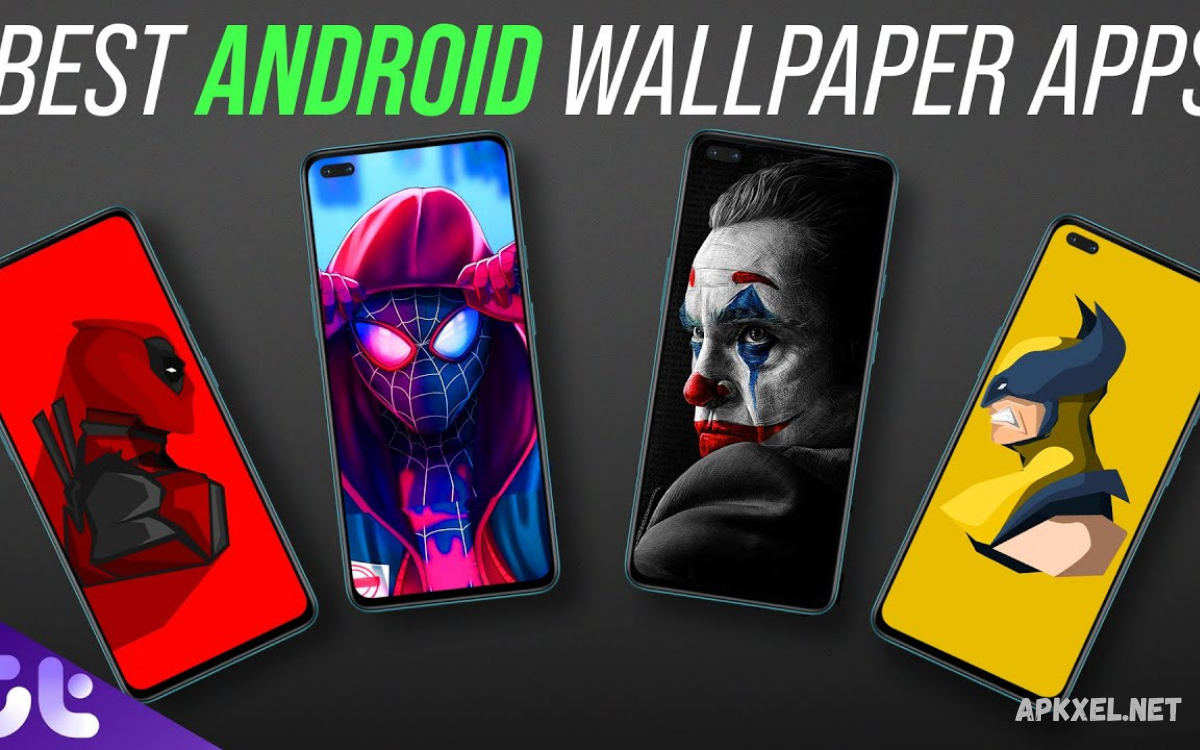
The Best Wallpaper Apps for Android help users transform ordinary phone screens into attractive, personalized displays. From nature photography and minimalist artwork to AMOLED backgrounds and animated designs, wallpaper applications offer countless ways to customize Android devices.
Choosing the right wallpaper application depends on image quality, collection size, advertising frequency, customization options, and device compatibility. Some apps focus on professionally photographed landscapes, while others specialize in artistic illustrations, abstract patterns, anime designs, or dynamic backgrounds.
What Makes the Best Wallpaper Apps for Android?
The best wallpaper applications combine attractive visuals with simple navigation and dependable performance. High-resolution images are particularly important because low-quality backgrounds can appear blurry on modern smartphone displays.
Another important factor is how an application handles personalization and device resources. Some users prefer static backgrounds that consume minimal resources, while others enjoy animated scenes and interactive effects. Dark wallpapers can complement AMOLED displays, and minimalist designs may work well with home screen widgets.
Walli: Creative Wallpapers and Digital Artwork
Walli is a popular choice for users who appreciate creative illustrations, artistic backgrounds, and original digital designs. Its collection emphasizes artwork created by artists rather than relying exclusively on conventional landscape photographs. Users can discover colorful illustrations, abstract compositions, character-inspired artwork, and distinctive visual styles.
The application can suit users who value artistic expression and want backgrounds with a recognizable style. Before downloading artwork, users should review available image resolutions and check whether particular features require payment.
Zedge: Wallpapers, Ringtones, and Personalization
Zedge offers a broad personalization experience that extends beyond ordinary phone backgrounds. Users can explore wallpapers, themed artwork, and additional customization content, depending on the application’s current features and regional availability.
The wide selection can be useful, although users should pay attention to advertisements, optional purchases, and content licensing. Not every item necessarily has the same resolution or usage conditions, so checking individual listings is worthwhile.
Backdrops: Modern and Minimalist Wallpapers
Backdrops is known for its emphasis on curated designs, polished illustrations, and modern visual aesthetics. Its wallpaper collections can appeal to users who prefer geometric shapes, abstract patterns, gradients, and carefully composed backgrounds.
A carefully selected Backdrops image can complement both light and dark interfaces without overwhelming the display. Users can explore available collections, preview designs, and choose backgrounds that suit their personal style.
Google Wallpapers: Simple and Convenient Customization
Google Wallpapers provides a straightforward way to personalize compatible Android devices with categorized background images. Depending on the device and software version, users may find collections featuring landscapes, artwork, textures, and other visual themes.
Available categories and functions can differ between devices, Android versions, and application updates. Some devices also provide built-in wallpaper tools that offer similar functionality without requiring another installation. Users can preview backgrounds, select suitable images, and explore supported options for changing the home screen or lock screen.
Unsplash: High-Quality Photography Wallpapers
Unsplash is an excellent resource for users who prefer real-world photography over illustrated designs. Its extensive photography collections include mountains, beaches, architecture, city streets, plants, animals, and countless other subjects. High-quality photographs can give an Android screen a natural, sophisticated appearance while allowing users to express their interests through carefully selected imagery. The platform is especially useful for people who enjoy travel photography, scenic views, and visually striking compositions captured by photographers around the world.
Users can explore images through the official Unsplash platform or compatible wallpaper applications and select photographs suitable for their screen dimensions. However, they should review the current licensing terms and any applicable attribution requirements, particularly when using images outside personal wallpaper customization. A photograph designed for a wide desktop display may need cropping before it fits a tall smartphone screen. Selecting images with balanced composition and suitable negative space can help maintain icon visibility and create an attractive home screen.
Pinterest: Inspiration for Unique Android Wallpapers
Pinterest is useful for discovering wallpaper inspiration across a wide range of visual styles. Users can explore aesthetic backgrounds, pastel designs, motivational artwork, nature photographs, anime-inspired illustrations, and coordinated color palettes.
Pinterest functions primarily as a visual discovery platform rather than a dedicated wallpaper utility. Image quality, original ownership, and download availability vary by pin.
AMOLED Wallpapers: Dark Backgrounds for Compatible Displays
AMOLED wallpaper applications focus on dark backgrounds, black artwork, and high-contrast designs. These collections often include space scenes, abstract patterns, neon accents, silhouettes, and minimalistic illustrations.
On phones with AMOLED or OLED displays, black pixels can generally be switched off individually, which may reduce display power consumption when a predominantly black image is shown. Actual savings depend on screen brightness, image content, refresh rate, and overall device usage.
Live Wallpapers: Animated Backgrounds for Android
Live wallpaper applications introduce movement and visual effects to Android screens. Available designs may include flowing water, animated stars, particles, abstract motion, weather effects, and interactive backgrounds.
Animated backgrounds can use more processing power and battery than static images, depending on their complexity and implementation. Users with older phones or limited battery capacity may prefer lightweight animations or conventional wallpapers.
4K Wallpapers: Detailed Backgrounds for Modern Displays
Applications offering 4K wallpapers appeal to users who want detailed photographs and sharp artwork on high-resolution smartphone displays. Collections may feature dramatic landscapes, architecture, vehicles, abstract compositions, and carefully edited photography.
Downloading very large images can consume additional storage and mobile data, so users should consider their available resources. A well-compressed, high-quality image may look excellent without requiring the largest possible file. The best wallpaper apps for Android should provide clear previews and useful resolution information whenever possible.
Minimalist Wallpaper Apps for a Clean Home Screen
Minimalist wallpapers focus on simplicity, balanced composition, limited colors, and uncluttered visual elements. Popular designs include soft gradients, geometric shapes, subtle textures, single objects, and plain backgrounds.
A minimalist background also improves the visibility of home screen elements when it provides enough contrast. Bright icons may work better against darker backgrounds, while dark text and widgets often need lighter surfaces.
Anime Wallpaper Apps for Android
Anime wallpaper applications attract users who enjoy animated storytelling, colorful illustrations, character artwork, and distinctive Japanese-inspired visual styles. Collections may include fantasy scenes, action compositions, peaceful landscapes, and fan-created illustrations.
Image ownership and licensing deserve attention when browsing anime artwork. Not every image shared online is authorized for unrestricted redistribution, and some collections may contain unofficial fan art.
Nature Wallpaper Apps for Relaxing Backgrounds
Nature wallpaper collections feature mountains, forests, oceans, waterfalls, flowers, wildlife, and peaceful outdoor scenes. These backgrounds provide a refreshing alternative to abstract artwork and can bring a sense of the outdoors to a smartphone display.
When selecting nature wallpapers, consider the placement of important visual elements and the amount of open space available for icons. A mountain range with a clear sky may work well for a home screen, while a detailed wildlife photograph may be better suited to a lock screen.
How to Choose the Right Wallpaper App
The right application depends on personal preferences, device capabilities, and the type of backgrounds users enjoy. Photography enthusiasts may prefer Unsplash, while users interested in original illustrations might explore Walli or Backdrops.
Before installing an application, examine its recent reviews, update history, privacy information, advertising practices, and optional purchases. Check whether the available images match your screen resolution and whether the app provides convenient preview and download controls.
Free Wallpaper Apps Versus Paid Wallpaper Apps
Free wallpaper applications provide an accessible way to explore background collections without paying an upfront fee. Many offer high-resolution photos, illustrations, categories, and basic customization. However, some free applications include advertisements, optional purchases, or premium collections.
Paid wallpaper apps can offer curated collections, exclusive designs, fewer ads, or extra customization features, depending on the developer. Nevertheless, payment does not automatically guarantee better image quality or a superior browsing experience.
Tips for Making Wallpapers Look Better on Android
Selecting a suitable image is only part of creating an attractive smartphone display. Users should consider screen dimensions, icon placement, text readability, and widget colors.
Matching wallpaper colors to icons and widgets can create a coordinated look without extensive customization. Android devices may offer color extraction, themed icons, or wallpaper-based interface colors, depending on the software version and manufacturer.
How to Download and Apply Wallpapers Safely
The safest approach is to install wallpaper apps from Google Play or another trusted source. Before installation, review the developer information, requested permissions, privacy policy, and recent user feedback.
Once a suitable image has been selected, use the application’s official download or apply option when available. Preview the image, adjust its position, and choose the home screen, lock screen, or both, depending on your preference.
Read Also: AI Photo Editing Apps: Best Tools for Smart Photo Editing
Common Problems with Wallpaper Apps
Some wallpaper applications may display blurry images, fail to load previews, or struggle to apply backgrounds correctly. These issues can result from poor source quality, network problems, limited storage, application bugs, or device-specific compatibility differences.
Battery drain and excessive advertising can add frustration, especially with animated wallpapers or apps that show frequent promotional content. Switching to a static background can help determine whether animations contribute to power consumption.
Frequently Asked Questions
Which wallpaper app is best for Android?
The best choice depends on your preferences. Walli suits artistic illustrations, Unsplash offers photography, Backdrops focuses on curated designs, and Google Wallpapers provides simple customization. Users seeking multiple personalization options may also explore Zedge, depending on its current features and regional availability.
Are wallpaper apps free to use?
Many wallpaper apps offer free downloads or basic features, though some include ads, optional purchases, or premium collections. Review the pricing details before downloading content or subscribing. A free application can be sufficient for users who want attractive backgrounds without paying for additional customization features.
Are 4K wallpapers better for Android phones?
High-resolution wallpapers can preserve fine details on compatible displays, especially when images require cropping. However, a sharp, well-composed image can look excellent without being 4K. When choosing a background, consider the phone’s screen resolution, file size, available storage, and the original image quality.
Do live wallpapers drain battery?
Live wallpapers can consume more power than static backgrounds because they may use animation, processing, or graphical effects. The impact varies by app, device, display, and settings. Lightweight animations or static images may be better for users who prioritize battery life.
Are wallpaper applications safe?
Many wallpaper applications are legitimate, but users should check the developer, permissions, privacy policy, and recent reviews before installation. Prefer trusted distribution sources and avoid applications requesting unrelated permissions. Regular software updates and careful download practices can help reduce security and privacy risks.
Can I use downloaded wallpapers commercially?
Commercial use depends on the image’s copyright status and licensing conditions. An image available for personal phone customization is not automatically free for advertising, resale, or commercial publication. Check the original source and obtain appropriate permission when required.
How often should I change my Android wallpaper?
There is no fixed schedule. Some users enjoy changing backgrounds daily, while others prefer keeping the same image for months. Automatic wallpaper rotation adds variety, but manual selection gives you more control over appearance, battery use, and overall home screen design.
Which wallpaper is best for an AMOLED display?
Dark images with substantial black areas can complement AMOLED displays and may reduce power consumption under certain conditions. Popular options include black backgrounds, dark landscapes, and high-contrast illustrations. Actual battery savings vary according to brightness, image content, and device usage.
Can wallpaper apps change the home screen automatically?
Some apps support automatic wallpaper changes on a schedule or through rotating collections. Availability depends on the application and Android version. Review the settings and battery restrictions before enabling automatic updates, especially if you prefer consistent backgrounds or want to minimize background activity.
How can I make my Android home screen look professional?
Choose a wallpaper with balanced colors, sufficient contrast, and enough open space for icons. Coordinate widgets and icon styles, avoid excessive visual clutter, and preview the background before applying it. A simple, well-composed image often looks more organized than an overly detailed design.
Conclusion
The best wallpaper app depends on what features a user values most. Explore Walli and Backdrops for artistic designs, while Unsplash offers an excellent starting point for photography.
Instead of installing many apps right away, start with one or two that match your preferred visual style. Evaluate image quality, browsing convenience, privacy practices, and available customization tools before deciding whether you need additional apps.
