

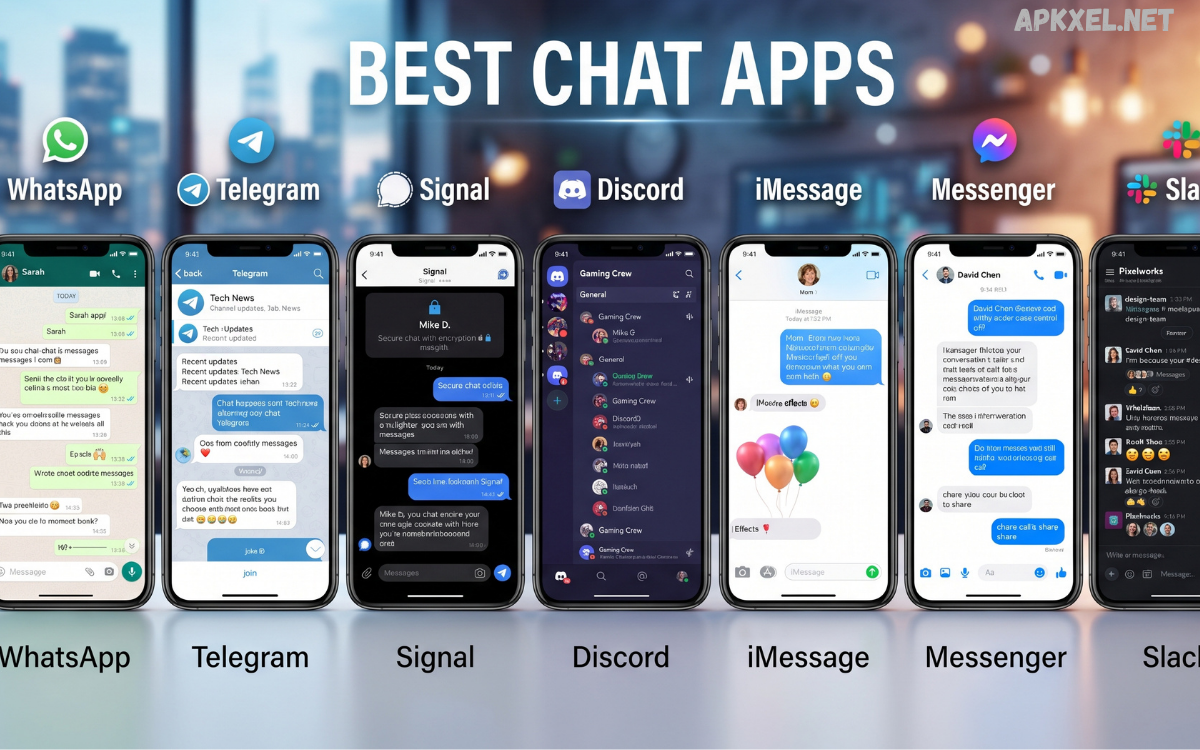
Communication has become an essential part of everyday life, and modern messaging platforms continue to evolve with powerful features that make conversations faster, safer, and more engaging. The Best Chat Apps in 2026 are no longer limited to simple text messaging.
Whether you’re connecting with friends, collaborating with colleagues, joining online communities, or managing business communications, choosing the right chat application can significantly improve your digital experience.
Why Do Chat Apps Are More Important Than Ever?
Messaging applications have transformed the way people communicate. Instead of relying on traditional SMS, users now prefer internet-based messaging services that provide richer features at little or no cost.
Modern chat applications offer:
- Instant messaging
- HD voice calls
- High-quality video meetings
- File and media sharing
- Group conversations
- Cross-platform support
- End-to-end encryption
- Cloud backup
- AI-powered smart replies
- Business communication tools
These features make chat apps suitable for personal conversations, education, remote work, customer support, and business collaboration.
Features to Look for in the Best Chat Apps
Before choosing a messaging platform, consider these essential features.
Security
Privacy remains a top priority. Look for apps offering end-to-end encryption, two-factor authentication, and secure cloud backups.
Speed
Fast message delivery ensures smooth communication even with slower internet connections.
Cross-Platform Compatibility
The best apps work seamlessly on Android, iOS, Windows, macOS, Linux, and web browsers.
Voice and Video Quality
Crystal-clear audio and HD video improve personal and professional communication.
Group Chat Support
Large communities, classrooms, and workplaces benefit from advanced group management features.
Media Sharing
Users should be able to send:
- Photos
- Videos
- Documents
- Audio files
- Stickers
- GIFs
- Voice notes
Cloud Synchronization
Cloud sync allows users to continue conversations across multiple devices without losing data.
Best Chat Apps in 2026
WhatsApp continues to dominate global messaging thanks to its simplicity and strong privacy protections.
Key features include:
- End-to-end encryption
- Voice calls
- Video calls
- Communities
- Channels
- Status updates
- Document sharing
- Multi-device support
It remains one of the most reliable messaging apps for families, businesses, and everyday communication.
Telegram
Telegram stands out because of its speed, cloud storage, and advanced customization.
Popular features include:
- Massive group chats
- Public channels
- Bots
- Cloud messaging
- Secret chats
- Animated stickers
- Large file sharing
- Multi-platform access
Telegram is ideal for content creators, communities, and power users.
Signal
Signal is widely recognized for its strong commitment to user privacy.
Advantages include:
- Open-source platform
- End-to-end encryption
- Secure voice calls
- Secure video calls
- No advertising
- Minimal data collection
- Disappearing messages
Privacy-conscious users frequently choose Signal over other messaging apps.
Discord
Originally designed for gamers, Discord has expanded into education, communities, and professional collaboration.
Features include:
- Voice channels
- Video chat
- Screen sharing
- Community servers
- Custom roles
- Bots
- Live streaming
Discord is excellent for online communities and team communication.
Facebook Messenger
Messenger continues to connect millions of users worldwide.
Its features include:
- Video calls
- Voice calls
- Group messaging
- AI tools
- Stickers
- Reactions
- Cross-platform support
It integrates smoothly with Facebook’s ecosystem.
Google Messages
Google Messages enhances SMS and RCS messaging for Android users.
Benefits include:
- Rich Communication Services
- Smart replies
- Spam protection
- High-quality media sharing
- Web messaging
- AI enhancements
It is an excellent replacement for traditional SMS.
Microsoft Teams
Microsoft Teams combines messaging with productivity.
Highlights include:
- Team chats
- Meetings
- Document collaboration
- Office integration
- File sharing
- Calendar support
Businesses and educational institutions rely heavily on Teams.
Slack
Slack remains one of the best communication tools for professional teams.
Key capabilities include:
- Organized channels
- App integrations
- File sharing
- Workflow automation
- AI summaries
- Voice calls
- Video meetings
Slack improves workplace productivity significantly.
Viber
Viber offers secure messaging with excellent multimedia support.
Features include:
- Encrypted chats
- Voice calls
- Video calls
- Stickers
- Communities
- Public channels
It remains popular across many countries.
WeChat combines messaging with numerous digital services.
Capabilities include:
- Messaging
- Voice calls
- Video calls
- Digital payments
- Mini applications
- Business communication
- Social networking
It functions as a complete digital ecosystem for many users.
Best Chat Apps for Android
Android users benefit from a wide range of messaging applications.
Top choices include:
- Telegram
- Signal
- Google Messages
- Discord
- Messenger
- Viber
These apps deliver reliable performance across budget and premium smartphones.
Best Chat Apps for iPhone
iPhone users enjoy optimized messaging experiences.
Recommended apps include:
- Signal
- Telegram
- Messenger
- Discord
- Microsoft Teams
- Slack
Most support seamless synchronization with iPads and Macs.
Chat Apps for Business
Business communication requires more than basic messaging.
Professional platforms provide:
- Team collaboration
- Secure communication
- Video meetings
- File management
- Task integration
- AI assistance
Popular choices include:
- Slack
- Microsoft Teams
- Discord
- Telegram
- WhatsApp Business
Free vs Paid Chat Apps
Many messaging platforms offer generous free plans.
Free features usually include:
- Messaging
- Voice calls
- Video calls
- Media sharing
- Group chats
Premium subscriptions often unlock:
- Larger file uploads
- Additional cloud storage
- Business tools
- AI assistants
- Advanced administration
- Improved collaboration
AI in Modern Chat Apps
Artificial intelligence is reshaping messaging.
Today’s chat apps offer:
- Smart replies
- Automatic translations
- AI writing assistance
- Voice transcription
- Chat summaries
- Spam detection
- Personalized recommendations
AI helps users communicate faster while improving productivity.
Read Also: Social Media Platforms – The Complete Guide to the Most Popular Networks in 2026
Tips for Choosing the Best Chat Apps
Select an application based on your priorities.
Consider:
- Privacy
- Device compatibility
- Internet performance
- Group size
- Business features
- Voice quality
- Video quality
- Storage
- Security
- Ease of use
Testing multiple apps helps identify the best option for your communication needs.
Advantages of Using Modern Chat Apps
Today’s messaging platforms offer several benefits.
These include:
- Faster communication
- Reduced costs
- Better collaboration
- Global connectivity
- Secure conversations
- Multimedia sharing
- Cross-device access
- AI-powered productivity
- Remote teamwork
- Community building
They have become essential tools for both personal and professional life.
Future of Chat Applications
Messaging technology continues to evolve rapidly.
Future innovations may include:
- Smarter AI assistants
- Real-time multilingual conversations
- Enhanced privacy features
- Spatial video communication
- Augmented reality messaging
- Better business automation
- Improved cloud synchronization
- More personalized user experiences
These developments will make digital communication even more seamless.
Frequently Asked Questions
What are the best chat apps in 2026?
WhatsApp, Telegram, Signal, Discord, Messenger, Slack, Microsoft Teams, Google Messages, Viber, and WeChat are among the top choices.
Which chat app is the most secure?
Signal is widely regarded as one of the most secure messaging platforms because of its strong encryption and privacy-focused design.
Which chat app is best for businesses?
Slack and Microsoft Teams provide advanced collaboration, meetings, file sharing, and workflow integration for businesses.
Which chat app supports large group chats?
Telegram and Discord are excellent choices for managing large communities and active group conversations.
Are chat apps free to use?
Most popular chat apps offer free messaging, voice calls, and video calls, with optional premium features for advanced users.
Which app works on multiple devices?
WhatsApp, Telegram, Signal, Slack, and Microsoft Teams support synchronization across smartphones, tablets, desktops, and web browsers.
Which app offers the best voice and video quality?
WhatsApp, Discord, Microsoft Teams, and Google Meet integrations deliver high-quality voice and video communication.
Can chat apps replace SMS?
Yes. Internet-based messaging apps provide richer features, better media sharing, and lower communication costs than traditional SMS.
Are encrypted chat apps safer?
Yes. End-to-end encryption ensures that only the sender and recipient can read messages, improving privacy and security.
How do I choose the best chat app?
Consider security, supported devices, voice quality, group features, business tools, privacy, ease of use, and overall reliability before making your choice.
Conclusion
Choosing the Best Chat Apps depends on your communication style, privacy expectations, and daily requirements. Whether you prefer WhatsApp for everyday messaging, Telegram for advanced features, Signal for unmatched security, Discord for communities, or Slack and Microsoft Teams for professional collaboration, today’s messaging platforms offer powerful tools for every type of user.
