

Staying organized and productive has become more important than ever. Whether you’re a student managing assignments, a professional handling multiple projects, or an entrepreneur juggling daily tasks, the right productivity app can help streamline your workflow and save valuable time.
From powerful to-do list managers and calendar apps to advanced note-taking tools and team collaboration platforms, productivity apps can transform the way you work and stay organized. These applications help users prioritize tasks, track deadlines, set reminders, manage projects, and even reduce distractions.
Why Productivity Apps Matter
Productivity apps have become essential because they simplify complex workflows and eliminate unnecessary manual processes. Instead of relying on paper notes, scattered documents, or memory alone, users can centralize important information within a single digital environment. This improves accessibility and reduces the risk of missing deadlines or forgetting critical tasks.
Another major advantage involves automation. Many Android productivity applications automate reminders, scheduling, task assignments, and progress tracking. These capabilities allow users to focus on meaningful work rather than administrative responsibilities. As a result, productivity increases while workload management becomes more efficient and predictable.
Google Keep
Google Keep remains one of the most effective note-taking applications available for Android users. Its simple interface allows quick creation of notes, checklists, voice memos, and image-based reminders. Synchronization across devices ensures information remains accessible whenever needed.
The application excels in simplicity and speed. Users can organize notes using labels and colors while searching content through Google’s powerful indexing system. For individuals seeking a lightweight productivity solution without unnecessary complexity, Google Keep offers an excellent balance between functionality and ease of use.
Microsoft To Do
Microsoft To Do provides a structured approach to task management. Users can create daily plans, prioritize assignments, set recurring reminders, and organize responsibilities into categorized lists. Integration with Microsoft’s ecosystem further enhances productivity for professional users.
The “My Day” feature helps users focus on immediate priorities while maintaining visibility into long-term objectives. Cloud synchronization enables seamless access across multiple devices, making task management consistent and reliable. For users seeking an organized daily workflow, Microsoft To Do represents a highly effective solution.
Notion
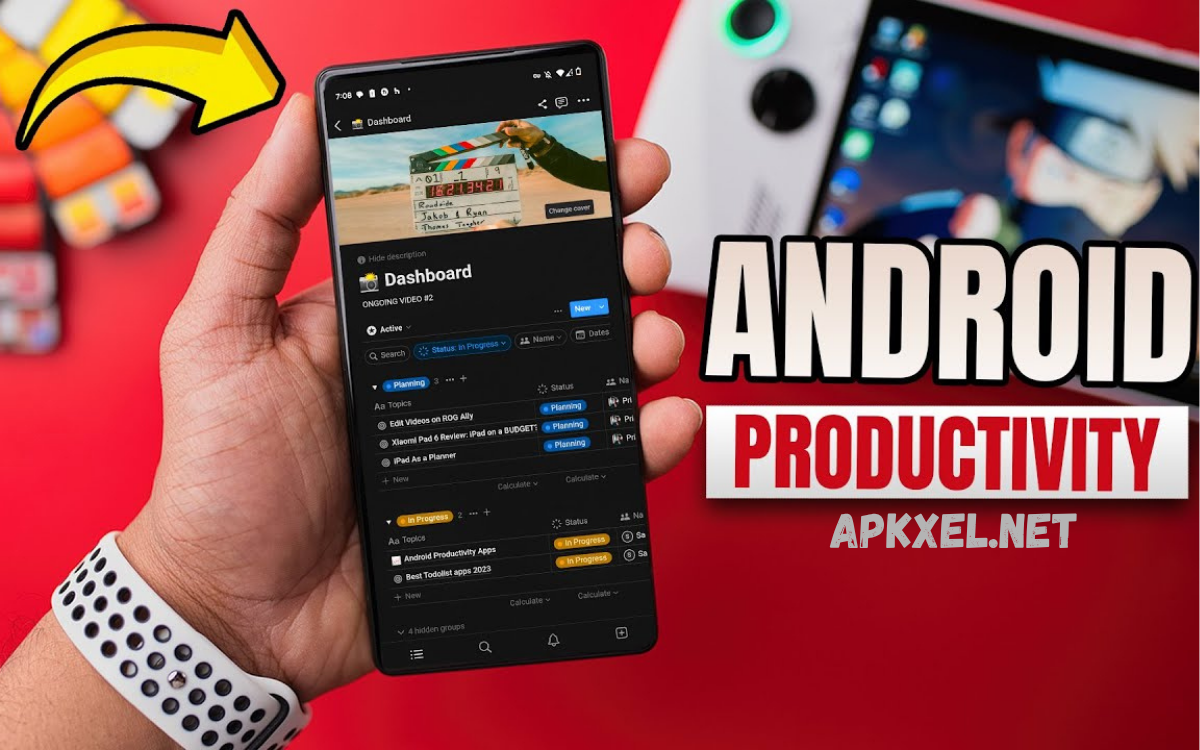
Notion has transformed personal and professional productivity through its all-in-one workspace approach. The platform combines note-taking, project management, databases, document creation, and team collaboration within a single application.
Its flexibility distinguishes it from traditional productivity tools. Users can build customized dashboards, knowledge bases, project trackers, content calendars, and workflow systems according to unique requirements. For professionals managing multiple responsibilities, Notion delivers exceptional organizational capabilities without requiring several separate applications.
Todoist
Todoist ranks among the most popular task management applications available for Android. The platform focuses on helping users capture, organize, and prioritize tasks efficiently. Its clean design supports quick task creation while maintaining advanced project management functionality.
Features such as productivity tracking, recurring deadlines, priority levels, and collaboration tools make Todoist suitable for both personal and professional use. Users gain clear visibility into pending responsibilities, helping them maintain momentum and achieve goals consistently.
Trello
Trello utilizes a visual project management system based on boards, lists, and cards. This structure enables users to monitor project progress clearly while maintaining organized workflows. Teams frequently use Trello for collaborative planning, content management, and project coordination.
The drag-and-drop interface simplifies project organization while automation features reduce repetitive administrative work. Trello supports productivity by providing visual clarity, making it easier to track tasks from initiation through completion.
Read Also: Best Android Customization Apps to Personalize Your Phone Experience
Evernote
Evernote remains a powerful solution for comprehensive note management. Users can create detailed notes, store documents, organize research materials, and maintain digital archives. The platform supports text, images, web clippings, and attachments within a centralized workspace.
Advanced search capabilities help users locate information quickly, even within scanned documents and images. Professionals handling large volumes of information often rely on Evernote because of its robust organizational framework and cross-device accessibility.
Google Calendar
Google Calendar serves as one of the most important productivity applications for Android users. Effective scheduling directly influences productivity, and Google Calendar provides comprehensive tools for organizing meetings, appointments, deadlines, and personal commitments.
Calendar integration with Gmail, Google Meet, and other productivity tools creates a unified scheduling experience. Notifications and reminders help users remain aware of upcoming events while minimizing scheduling conflicts and missed commitments.
Microsoft OneNote
Microsoft OneNote offers extensive note-taking capabilities suitable for students, researchers, and professionals. Users can create notebooks, sections, and pages that mirror traditional organizational structures while benefiting from digital flexibility.
The platform supports handwritten notes, images, file attachments, and collaborative editing. Integration with Microsoft Office applications further enhances workflow efficiency, making OneNote a preferred solution for users operating within professional environments.
Slack
Communication plays a critical role in productivity, especially within remote and hybrid work environments. Slack centralizes team communication through channels, direct messaging, file sharing, and workflow automation.
By reducing dependence on lengthy email chains, Slack accelerates information sharing and decision-making processes. Organized conversations improve transparency while integrations with productivity tools streamline collaborative workflows across organizations.
Asana
Asana provides advanced project management capabilities designed to help teams coordinate tasks effectively. Users can create projects, assign responsibilities, establish deadlines, and monitor progress through customizable dashboards.
The platform offers multiple project views, including lists, boards, timelines, and calendars. These visualization options improve planning accuracy while ensuring team members remain aligned with project objectives and deadlines.
Forest
Forest introduces a unique approach to productivity by addressing one of the most common modern challenges: distraction. The application encourages focused work sessions by allowing users to grow virtual trees while avoiding smartphone interruptions.
Each completed focus session contributes to a virtual forest, creating a rewarding experience that reinforces productive behavior. This gamification strategy helps users develop stronger concentration habits and improve overall time management.
TickTick
TickTick combines task management, habit tracking, calendar scheduling, and productivity monitoring within a single application. This comprehensive feature set makes it a versatile option for users seeking an all-in-one productivity solution.
The application includes focus timers, recurring tasks, smart reminders, and progress tracking tools. These capabilities help users maintain accountability while consistently working toward personal and professional objectives.
Dropbox
File accessibility significantly impacts productivity. Dropbox provides cloud storage capabilities that ensure important documents remain available across devices and locations. Users can securely store, organize, and share files without depending on local storage.
Collaboration features enable teams to work together efficiently while maintaining version control and document accessibility. For professionals handling large volumes of digital content, Dropbox simplifies file management and enhances workflow continuity.
Grammarly Keyboard
Effective communication remains essential in both professional and personal contexts. Grammarly Keyboard improves writing quality by identifying grammar issues, spelling errors, punctuation mistakes, and stylistic inconsistencies directly within Android applications.
Real-time suggestions enhance clarity and professionalism while reducing editing time. Whether composing emails, reports, messages, or social media content, users benefit from improved communication efficiency and accuracy.
Clockify
Time tracking provides valuable insights into productivity patterns. Clockify enables users to monitor how time is allocated across projects, tasks, and activities throughout the day.
Detailed reporting features help identify inefficiencies and optimize workflows. Freelancers, consultants, managers, and business owners frequently use time-tracking tools to improve productivity, enhance accountability, and support informed decision-making.
Choosing the Right Productivity App
Selecting the best productivity application depends on individual requirements, workflow preferences, and professional responsibilities. Some users benefit primarily from task management platforms, while others require advanced project coordination or comprehensive note-taking capabilities.
Evaluating personal productivity challenges provides the most effective starting point. Users should identify areas requiring improvement, such as organization, scheduling, collaboration, focus, or communication. Matching application features with specific needs ensures maximum value and long-term adoption.
Productivity App Trends for Android
Productivity software continues evolving through artificial intelligence, automation, and enhanced integration capabilities. Modern applications increasingly provide smart suggestions, automated workflows, predictive scheduling, and intelligent task prioritization.
Cross-platform synchronization has also become a standard expectation. Users now transition seamlessly between smartphones, tablets, and computers without interrupting workflows. Future productivity applications will likely deliver even greater personalization and automation, further improving efficiency.
Frequently Asked Questions
Which productivity app is best for Android users?
The best productivity app depends on individual needs. Notion is excellent for workspace management, Todoist is ideal for task organization, and Google Keep works well for quick note-taking and reminders.
Are productivity apps free to use?
Many productivity apps offer free versions with essential features. Premium plans usually provide advanced tools such as collaboration features, additional storage, automation, and enhanced customization.
Can productivity apps improve time management?
Yes. Productivity apps help users organize tasks, set deadlines, create reminders, and prioritize responsibilities, making time management more effective and structured.
Which Android app is best for note-taking?
Google Keep, Evernote, and Microsoft OneNote are among the most popular note-taking apps for Android. Each offers unique features for capturing and organizing information.
What is the best productivity app for students?
Students often benefit from Notion, Microsoft OneNote, Google Keep, and Todoist because these apps support note-taking, assignment tracking, scheduling, and study planning.
Are productivity apps safe for storing personal information?
Most reputable productivity apps use encryption and secure cloud storage. Users should enable strong passwords and two-factor authentication for additional security.
Conclusion
The top productivity apps for Android provide powerful solutions for organization, communication, collaboration, focus, and workflow management. Applications such as Google Keep, Notion, Todoist, Trello, Evernote, Google Calendar, Slack, Asana, and TickTick help users accomplish more while maintaining better control over daily responsibilities.
Productivity does not depend solely on working harder. Success often results from working smarter through effective systems and tools. By selecting the right Android productivity apps and integrating them into daily routines, users can improve efficiency, reduce stress, achieve goals faster, and maintain a more organized professional and personal life.
