

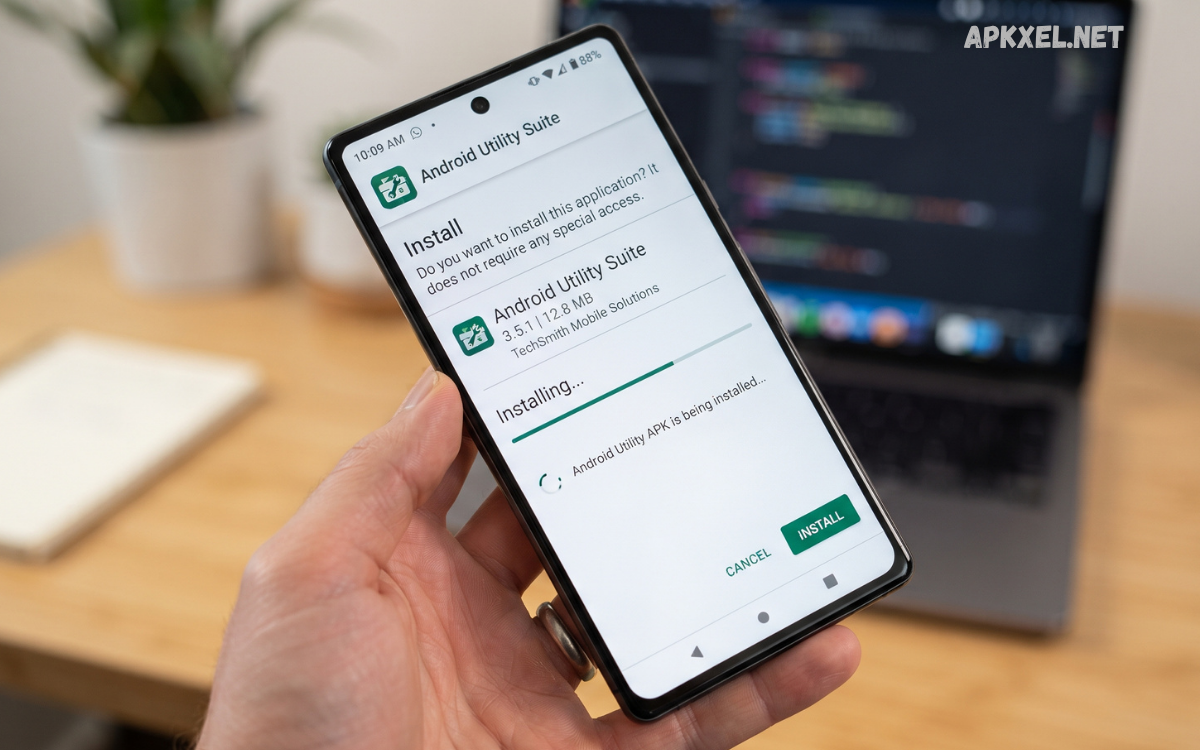
Smartphones have become essential tools for communication, entertainment, productivity, education, and everyday tasks. However, the built-in features of an Android device may not always provide everything users need.
In 2026, Android utility apps cover a wide range of purposes, including file management, storage analysis, device monitoring, document scanning, note-taking, backup, connectivity, customization, and system organization.
What Is an Android Utility APK?
An Android utility APK is an Android application package designed to provide practical tools or functions that help users manage their devices or complete everyday tasks. APK stands for Android Package Kit, which is the file format used to distribute and install Android applications.
Utility apps are different from entertainment-focused applications because their primary purpose is functionality. For example, a file manager can help organize documents, images, and downloads, while a document scanner can convert physical documents into digital files.
Popular Categories of Android Utility Apps
The Android ecosystem includes utility applications for almost every practical smartphone requirement. Understanding the major categories makes it easier to find an appropriate tool.
File Management Apps
File management utilities help users browse, organize, copy, move, rename, and delete files. They can also make it easier to locate downloads, documents, images, videos, and other stored content.
A good file manager should offer a simple interface, clear folder organization, search functionality, and support for common file formats. Some applications also provide archive management and cloud-storage integration.
Storage Management Tools
Storage utilities help users understand how their device storage is being used. They can identify large files, duplicate content, old downloads, and unnecessary data.
Instead of deleting files automatically, a trustworthy storage tool should allow users to review suggested items before removing anything important. This provides greater control and reduces the possibility of accidental deletion.
Device Information Utilities
Device information apps provide technical details about smartphones and tablets. Depending on the application, information may include Android version, processor details, available memory, display specifications, battery information, and storage capacity.
These tools can be particularly helpful when troubleshooting a device or checking compatibility with an application.
Document and Scanner Apps
Document utilities can turn a smartphone camera into a convenient scanning tool. Users can capture documents, receipts, notes, and other pages and convert them into digital files.
Features such as automatic edge detection, image enhancement, PDF creation, and text recognition can make these applications valuable for students, professionals, and everyday users.
Productivity Utilities
Productivity applications are designed to help users organize tasks and information. Examples include note-taking tools, calculators, calendars, reminders, clipboard managers, and document utilities.
The best productivity utility is usually one that reduces unnecessary steps rather than adding complexity.
Connectivity Tools
Connectivity utilities can help users manage Wi-Fi, Bluetooth, hotspot connections, network information, and related settings. Some applications provide diagnostic features that help identify basic connection problems.
Because connectivity applications may require access to network-related information, users should carefully review their permissions before installation.
Important Features to Look For
Not every Android utility APK provides the same quality or functionality. Several features can help distinguish a useful application from an unreliable one.
Simple User Interface
A utility should make tasks easier. A clean interface with clearly labeled controls allows users to find important functions quickly.
Strong Performance
Utility applications should generally use system resources efficiently. An app designed to solve a simple problem should not create unnecessary performance issues.
Permission Transparency
Permissions should match the application’s purpose. For example, a document-scanning application may reasonably require camera access, while a simple calculator should not need access to unrelated personal information.
Compatibility
Before installing an application, check whether it supports your Android version and device architecture. Older applications may not work correctly on newer Android releases.
Regular Updates
Regular updates can improve compatibility, fix bugs, strengthen security, and introduce new features. Developers who maintain their applications are generally better positioned to address problems discovered after release.
Benefits of Using Android Utility APK Apps
A well-designed utility can make everyday smartphone use more convenient.
Better Organization
File managers, storage tools, and document applications help users keep their digital content organized. Better organization can make it easier to locate important files when needed.
Increased Productivity
Task managers, note-taking applications, calculators, scanners, and other tools can reduce the time required to complete routine activities.
Additional Functionality
Third-party utilities may provide features that are not included in the standard Android interface. This can allow users to customize workflows according to their personal requirements.
Easier Device Management
Storage analysis, device information, and backup utilities can help users understand and manage their smartphones more effectively.
Android Utility APK and Security
Security is one of the most important considerations when dealing with APK files. Applications installed from outside official app marketplaces require additional attention because their source and integrity may be difficult to verify.
Users should prefer applications from reputable developers and trustworthy distribution channels. Before installation, review the application’s developer information, permissions, update history, and reputation.
How to Choose the Right Android Utility APK
Choosing the right application starts with identifying the actual problem you want to solve.
If your main concern is organizing files, look for a reliable file manager. If you need to understand storage usage, choose a storage-analysis utility. For scanning documents, select an application designed specifically for scanning and PDF creation.
Consider the following factors before installation:
- Developer reputation
- Application permissions
- Android compatibility
- Update frequency
- User reviews and reputation
- Required storage space
- Available features
- Privacy practices
- Whether the application genuinely solves your problem
Avoid installing multiple applications that perform the same task unless there is a specific reason to do so. Too many overlapping utilities can consume storage and make device management unnecessarily complicated.
Safe APK Installation Practices
If you obtain an APK outside an official app marketplace, take additional precautions. Verify that the file comes from a legitimate source and belongs to the developer you expect.
Do not disable important security protections simply to install an application. If your device identifies an APK as suspicious, investigate the warning rather than ignoring it.
Read Also: App Recommendations Android: Best Apps to Use in 2026
Common Mistakes to Avoid
One common mistake is downloading APK files from random websites simply because they advertise premium features for free. Attractive claims do not guarantee that an application is safe or legitimate.
Another mistake is granting every requested permission without reading the explanation. Permissions can provide applications with access to sensitive device features, so users should understand what they are approving.
Android Utility APK for Everyday Productivity
Utility applications can be valuable for students, professionals, creators, and casual smartphone users. A student may use a scanner and document organizer, while a professional may depend on PDF tools, cloud storage, and productivity utilities.
Creators may benefit from file-management and media-organization tools, while everyday users may simply need a reliable calculator, flashlight, calendar, or storage analyzer.
Future of Android Utility Apps in 2026
Android utility applications are becoming increasingly intelligent and integrated. Artificial intelligence, automation, improved search, cloud synchronization, and privacy-focused features are influencing the development of modern mobile tools.
Future utilities are likely to focus more heavily on automation. Instead of manually completing several steps, users may be able to perform complex workflows through simpler commands and intelligent recommendations.
Frequently Asked Questions
What is an Android utility APK?
An Android utility APK is an application package containing a tool designed to perform practical tasks such as file management, scanning, productivity, device information, or storage organization.
Are Android utility APK files safe?
They can be safe when obtained from legitimate sources and developed by reputable publishers. APK files from unknown sources should be treated carefully because their contents may not be trustworthy.
Why do people use utility apps?
Utility apps provide practical features that can make smartphone management, organization, productivity, and everyday tasks easier.
Can utility apps improve smartphone performance?
Some utilities can help users identify storage issues or manage files, but users should be cautious of applications making exaggerated performance claims.
What permissions should a utility app request?
Permissions should be relevant to the application’s functionality. Users should avoid granting unnecessary access to sensitive information or device features.
Should I install multiple utility apps?
Usually, there is no need to install several applications with identical functions. Selecting reliable tools with the features you actually need is generally more practical.
How can I choose a reliable Android utility APK?
Check the developer, permissions, compatibility, update history, privacy information, and reputation before installation.
Are APK files different from apps downloaded through an app store?
An APK is the installation package used by Android. App stores commonly handle the download and installation process automatically, while an APK may be installed manually.
Why should APK sources be verified?
Verifying the source helps reduce the risk of installing modified, malicious, outdated, or counterfeit applications.
What are the most useful Android utility categories?
File managers, storage tools, document scanners, productivity apps, device information tools, backup utilities, and connectivity tools are among the most practical categories.
Conclusion
An Android utility APK can provide valuable tools for managing files, organizing information, improving productivity, scanning documents, checking device specifications, and completing everyday smartphone tasks. With thousands of applications available, selecting the right utility requires more than simply choosing the most popular option.
Security, privacy, compatibility, performance, permissions, and developer reputation should all be considered before installation. Users should rely on trustworthy sources, keep their devices updated, and avoid applications that make suspicious promises or request unnecessary access.
