

Android smartphones have become indispensable business tools for professionals who manage emails, documents, contacts, client information, financial records, multimedia files, and confidential communication every day. Despite continuous improvements in smartphone hardware and cloud services, accidental deletion, device theft, software corruption, ransomware, hardware failure, and factory resets continue to threaten valuable business data.
Choosing the right Android backup apps is no longer just a convenience; it has become a critical component of professional data management. Modern backup applications provide automatic scheduling, encrypted cloud storage, selective file recovery, cross-device synchronization, and rapid restoration capabilities.
Why Do Android Backup Apps Matter?
Professionals rely heavily on smartphones to manage daily operations, making data loss far more expensive than simply replacing a device. Losing contracts, customer databases, project documents, meeting recordings, and business contacts can interrupt workflows, reduce productivity, and even damage client relationships.
Beyond disaster recovery, backup applications simplify device upgrades and migrations. Switching to a new Android device becomes significantly easier when apps, settings, media, messages, and documents are securely backed up. Instead of manually transferring files, professionals can restore complete device environments within minutes, ensuring business continuity without unnecessary delays.
Essential Features of Professional Android Backup Apps
The most effective Android backup applications provide automated scheduling that performs backups without requiring manual intervention. Automatic daily or real-time backups ensure that recently created files, photographs, contacts, and application data remain protected at all times. Background synchronization reduces the risk of forgetting critical backups during busy work schedules.
Security remains another defining characteristic. Professional users should prioritize applications offering end-to-end encryption, password protection, secure cloud storage, two-factor authentication, and compliance with recognized privacy standards. Additional features such as selective backup, version history, incremental backups, and flexible restoration options further improve efficiency while minimizing storage requirements.
Google One
Google One remains one of the most trusted backup solutions available for Android users because it integrates seamlessly with the Android operating system. It automatically backs up contacts, call history, SMS messages, device settings, applications, photos, and videos while synchronizing information across Google services. Restoration during device setup is straightforward, making it ideal for professionals replacing damaged or outdated smartphones.
The platform also provides scalable cloud storage plans suitable for individuals, freelancers, and enterprise users. Since many organizations already depend on Google’s productivity ecosystem, integrating backup with Google Drive, Gmail, Calendar, and Workspace creates a unified data management solution that improves operational efficiency while maintaining strong security standards.
Samsung Smart Switch
Samsung Smart Switch offers an excellent backup solution for professionals using Samsung Galaxy smartphones and tablets. The application supports complete device migration, allowing users to transfer contacts, calendars, applications, settings, photos, videos, and documents with minimal effort. Local backups using computers provide additional flexibility for organizations with strict cloud storage policies.
Another advantage is its compatibility with multiple transfer methods, including wireless connections, USB cables, and external storage devices. This versatility allows professionals to perform secure migrations even when internet connectivity is limited. Businesses managing multiple Samsung devices often appreciate the application’s reliability during hardware upgrades.
Swift Backup
Swift Backup has gained recognition among advanced Android users because it combines powerful functionality with an intuitive interface. The application supports backing up installed applications, application data, SMS messages, call logs, wallpapers, and launcher settings. Rooted devices benefit from expanded capabilities, although non-root users still receive substantial backup functionality.
Cloud integration with popular storage providers increases flexibility while allowing users to maintain multiple backup copies across different platforms. Incremental backups reduce storage consumption by saving only modified files, improving efficiency without compromising recovery capabilities. These features make Swift Backup attractive for IT professionals and power users seeking greater control.
Titanium Backup
Titanium Backup has long been considered one of the most comprehensive Android backup applications for rooted devices. It offers extensive control over application backups, frozen apps, scheduled operations, batch processing, and detailed restoration options. Professionals requiring advanced customization frequently choose Titanium Backup because of its robust feature set.
Although rooted access limits its audience, experienced Android administrators appreciate the application’s ability to preserve application configurations during firmware updates or device migrations. Its powerful automation tools simplify large-scale backup management, making it valuable for technical professionals responsible for maintaining multiple Android devices.
Helium Backup
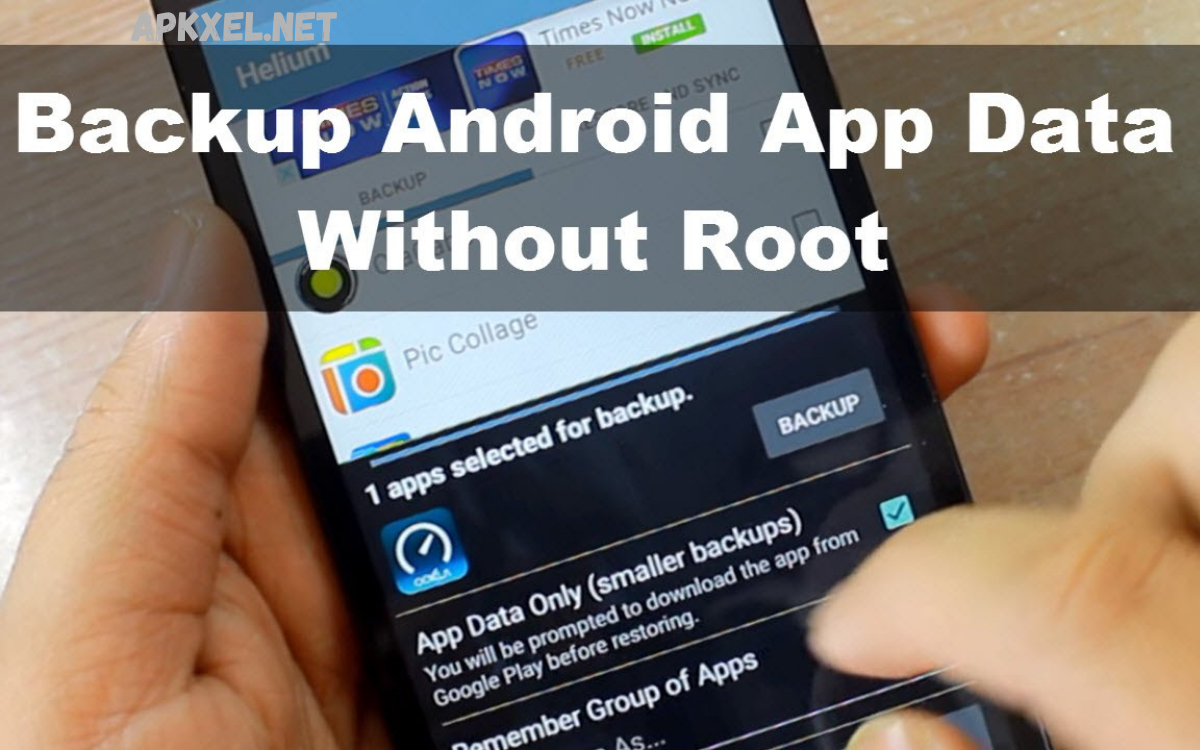
Helium Backup provides an effective alternative for users who prefer backup functionality without rooting their Android devices. It enables professionals to back up applications, application data, contacts, SMS messages, and various personal files while supporting both local and cloud storage destinations. Its straightforward interface reduces complexity for users with limited technical expertise.
The application supports synchronization with external storage services, allowing businesses to maintain redundant backup copies across multiple locations. Flexible restoration options simplify device replacement while preserving application settings and personal information. Helium remains a practical choice for professionals seeking simplicity combined with reliable functionality.
Read Also: Best Call Recording Apps for Android and iPhone
Cloud Backup Versus Local Backup
Cloud backups provide accessibility, scalability, and automation that benefit professionals working across multiple locations. Files remain available from virtually any internet-connected device, enabling rapid recovery after theft, hardware failure, or accidental deletion. Cloud providers also maintain redundant infrastructure that improves long-term reliability and disaster recovery readiness.
Local backups, however, offer greater control over sensitive business information because files remain stored on external drives, computers, or network storage systems. Organizations handling confidential customer records may prefer local storage for compliance or regulatory reasons. Combining cloud and local backups creates a comprehensive strategy that balances convenience, security, and redundancy.
Security Considerations
Professionals should evaluate backup applications according to their security architecture rather than focusing solely on convenience. End-to-end encryption, secure authentication, encrypted transmission protocols, and transparent privacy policies significantly reduce the risk of unauthorized access. Regular software updates further strengthen protection against emerging cybersecurity threats.
Equally important is selecting reputable developers with established security records. Free applications occasionally monetize user data or provide limited security features, making premium solutions a worthwhile investment for businesses managing confidential information. Strong passwords, multi-factor authentication, and encrypted storage should form the foundation of every professional backup strategy.
Best Practices for Using Android Backup Apps
Successful backup management extends beyond installing an application. Professionals should establish automated backup schedules, periodically verify backup integrity, and perform restoration tests to confirm data availability. Regular testing prevents unpleasant surprises during actual recovery situations when immediate access to critical information becomes essential.
Maintaining multiple backup copies follows the widely recommended 3-2-1 backup principle: three copies of data stored on two different storage media with one copy kept off-site. Combining cloud storage, external drives, and secure office servers provides maximum resilience against accidental deletion, hardware failures, cyberattacks, and natural disasters.
Choosing the Right Android Backup App
Selecting among available Android backup apps depends on professional requirements, security expectations, storage preferences, and device compatibility. Freelancers may prioritize affordable cloud synchronization, while enterprise organizations often require centralized management, encryption, compliance features, and extensive administrative controls. Evaluating backup frequency, restoration speed, storage limits, and integration capabilities helps identify the most appropriate solution.
Compatibility with existing productivity platforms also influences purchasing decisions. Businesses already invested in Google Workspace, Microsoft services, or Samsung ecosystems benefit from backup solutions that integrate seamlessly with existing workflows.
Frequently Asked Questions
What are Android backup apps?
Android backup apps are software solutions designed to protect your smartphone data by creating secure copies of contacts, photos, videos, messages, apps, documents, and device settings. They make it easy to restore your information if your device is lost, damaged, or reset.
Why should professionals use Android backup apps?
Professionals handle valuable business data every day, including client information, project files, and communication records. Android backup apps help prevent data loss, reduce downtime, and ensure business continuity by providing quick and secure recovery options.
Are Android backup apps safe to use?
Most reputable Android backup apps are safe and include advanced security features such as encryption, password protection, and secure cloud storage. Choosing a trusted provider with a strong privacy policy enhances data protection.
Can Android backup apps back up everything on my phone?
Many Android backup apps can back up contacts, messages, photos, videos, applications, and settings. However, the exact features depend on the app, Android version, and whether the device has root access.
What is the difference between cloud backup and local backup?
Cloud backup stores your files on secure online servers, allowing access from multiple devices. Local backup saves data on external drives, computers, or memory cards, giving users greater control over their information without relying on internet connectivity.
How often should I back up my Android device?
For professionals, automatic daily backups are recommended. If you frequently update files or manage important business information, real-time or scheduled backups throughout the day provide even greater protection.
Do Android backup apps require an internet connection?
Cloud-based backups require an internet connection to upload and restore data. Local backup solutions can often create and restore backups without internet access, making them useful in offline environments.
Can I restore my backup to a new Android phone?
Yes. Most Android backup apps allow you to restore your backed-up data to a new compatible Android device, making the transition faster and preserving your apps, contacts, settings, and personal files.
Do free Android backup apps offer enough features?
Free versions usually provide basic backup functionality, while premium plans often include advanced features such as larger cloud storage, automatic scheduling, encryption, priority support, and faster restoration options.
How do I choose the best Android backup apps?
Select an app based on security, ease of use, backup automation, storage options, restoration speed, device compatibility, and customer reviews. A reliable solution should meet your personal or business data protection requirements while offering dependable recovery features.
Conclusion
Reliable Android backup apps have become essential tools for professionals who depend on smartphones to manage valuable business information, customer communications, project documentation, and personal productivity.
Investing in a professional backup strategy protects more than digital files; it safeguards productivity, client trust, and organizational continuity.
