

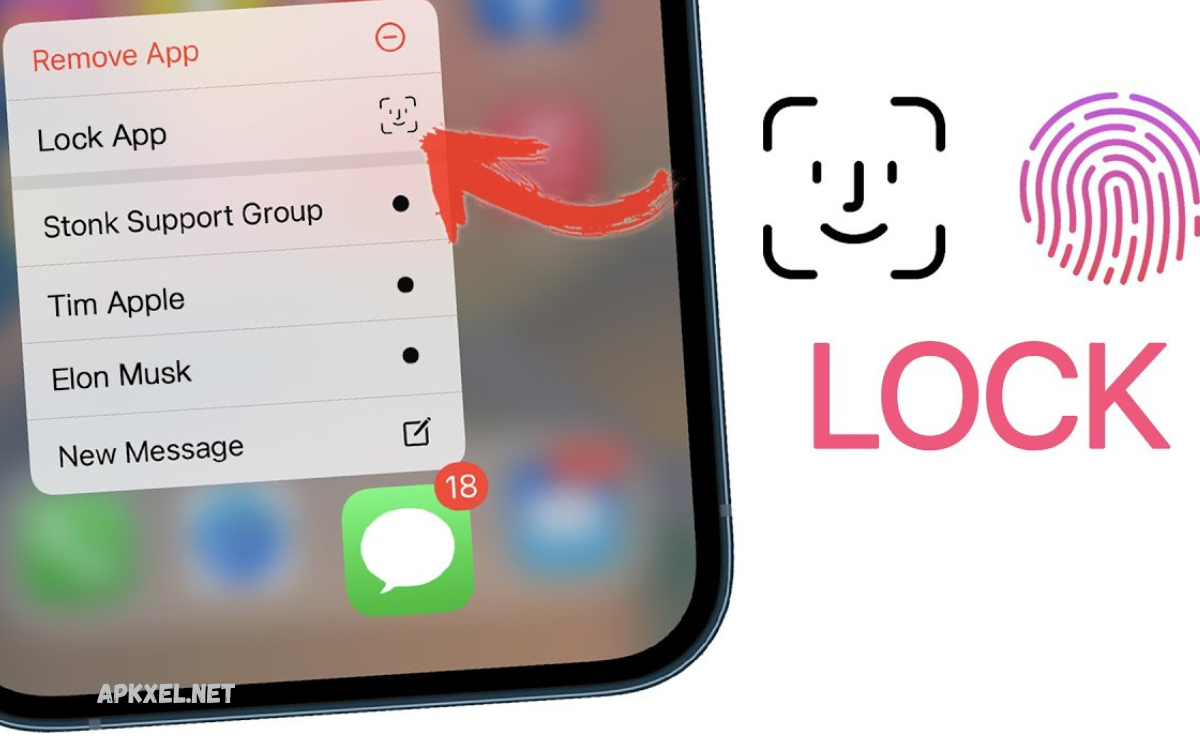
Protecting personal information has become more important than ever. Smartphones store a large amount of private data, including photos, messages, banking details, social media accounts, and personal documents.
Without proper security, unauthorized users can easily access sensitive information if they get hold of your device. This is where top App Lock apps play a vital role in protecting your privacy. App Lock applications provide an extra layer of security by allowing users to lock specific apps with passwords, PINs, patterns, or biometric authentication such as fingerprints and facial recognition.
Why Do You Need an App Lock App?
Many smartphone users rely only on their device lock screen for security. However, if someone knows your phone password or gains access while your phone is unlocked, your private applications and data may still be exposed. An App Lock app creates an extra security barrier by protecting specific applications separately.
For example, you may share your phone with family members, friends, or colleagues. Instead of worrying about someone accidentally opening your private messages, images, or financial apps, App Lock software ensures that only authorized users can access them.
Features to Look for in the Best App Lock Apps
Before choosing an App Lock application, it is important to understand the features that provide effective protection. The best apps offer a combination of security, performance, and convenience.
Password and PIN Protection
A secure App Lock app allows users to create unique passwords or PIN codes for individual applications. This prevents unauthorized users from opening protected apps without permission.
Fingerprint and Face Authentication
Modern smartphones support biometric security features. Many App Lock apps allow users to unlock applications using fingerprints or facial recognition, making access faster and more secure.
Intruder Detection
Some advanced App Lock apps capture photos of people who enter incorrect passwords multiple times. This feature helps identify unauthorized access attempts.
Hidden Apps and Private Files
Many privacy apps provide options to hide applications, photos, videos, and documents. These features are useful for users who want complete control over their private content.
Fake Lock Screen
A fake lock screen feature can display a false error message or loading screen when someone tries to open a protected app. This helps maintain privacy without revealing that an app is locked.
Low Battery and Performance Usage
A good App Lock application should provide strong security without slowing down your smartphone. Lightweight apps consume fewer resources and deliver better performance.
Top App Lock Apps to Protect Your Privacy
AppLock by DoMobile Lab
AppLock by DoMobile Lab is one of the most popular privacy-protection applications for Android users. It allows users to lock applications, photos, videos, and important files with passwords, patterns, or fingerprints.
The app supports a wide range of applications, including social media, messaging, and banking apps. It also provides features such as intruder selfies, private vaults, and customizable lock settings.
AppLock is known for its simple interface and reliable security options. Users who need an easy way to protect personal information can benefit from its wide range of privacy tools.
Norton App Lock
Norton is a trusted name in digital security, and its App Lock solution provides reliable protection for smartphone users. The application allows users to secure important apps with PINs, passwords, and patterns.
One of the biggest advantages of Norton App Lock is its reputation for security and trust. It provides a simple way to prevent unauthorized access while maintaining smooth device performance.
Users who already prefer Norton security products may find this app a convenient choice for protecting their personal applications.
AppLock – Fingerprint
AppLock – Fingerprint is designed for users who prefer biometric security. It allows users to lock apps using fingerprint authentication, making access quick and convenient.
The app supports multiple locking methods, including PIN codes and patterns. It can protect private applications such as galleries, messaging platforms, and social networking apps.
Its fingerprint support makes it especially useful for smartphones with biometric sensors.
Smart AppLock
Smart AppLock provides powerful privacy protection features with a lightweight design. It allows users to lock applications, photos, videos, and sensitive information.
The application supports multiple security methods and includes features such as automatic relocking and customized protection settings.
Smart AppLock is suitable for users who want a simple but effective privacy solution without unnecessary complexity.
Read Also: Video Editor Apps: The Complete Professional Guide
Keepsafe App Lock
Keepsafe is widely recognized for privacy protection, especially for securing private photos and videos. Its App Lock features help users protect sensitive content from unauthorized viewing.
The application focuses on privacy, security, and ease of use. It provides a secure environment where users can store important files safely.
People who prioritize photo and video privacy often choose Keepsafe for its robust protection features.
AppLock by IvyMobile
AppLock by IvyMobile is another popular choice for Android users looking for application security. It allows users to lock apps using passwords, patterns, and fingerprints.
The app provides customizable themes and simple controls, making it suitable for beginners. It can protect social media apps, financial applications, and private files.
Its user-friendly design makes privacy protection accessible to all types of smartphone usersBenefits of Using App Lock Apps
Protect Personal Information
App Lock apps help protect sensitive information stored inside applications. Your private conversations, photos, documents, and accounts remain secure even if someone accesses your device.
Secure Financial Applications
Banking and payment apps contain highly sensitive information. Locking these applications adds an additional security layer against unauthorized transactions or data exposure.
Maintain Social Media Privacy
Social media apps often contain private messages, personal photos, and account details. App Lock tools help prevent others from accessing your profiles.
Protect Children and Shared Devices
Parents can use App Lock apps to restrict access to certain applications when children use smartphones. They can prevent accidental purchases, unwanted changes, or exposure to inappropriate content.
Improve Digital Security
With increasing privacy threats, protecting applications is an important step toward better digital security. App Lock apps complement existing smartphone security features.
How to Choose the Right App Lock App
Selecting the right App Lock application depends on your personal security needs. Consider factors such as security features, ease of use, performance, and compatibility with your device.
Choose an app that provides strong encryption, regular updates, and trusted security features. Avoid applications that request unnecessary permissions or collect excessive personal data.
A good App Lock app should balance protection and convenience. It should secure your important applications without affecting your smartphone’s speed or battery performance.
Are App Lock Apps Safe to Use?
Most reputable App Lock applications are safe when downloaded from trusted sources. However, users should always check reviews, developer information, and permissions before installing any security application.
Some unreliable apps may request unnecessary access to personal information or display excessive advertisements. Choosing well-known and regularly updated applications helps ensure better protection.
Frequently Asked Questions
Do App Lock apps work without internet access?
Most App Lock applications work offline because they rely on device-level security features. However, some advanced features, such as cloud backup or online security services, may require an internet connection.
Which security methods do App Lock apps support?
The best App Lock apps support multiple security options, including passwords, PIN codes, patterns, fingerprints, and facial recognition. Users can choose the method that best matches their privacy needs and device capabilities.
Are App Lock apps safe to install?
Trusted App Lock apps from reliable developers are generally safe to use. Users should download applications from official app stores, check reviews, and review requested permissions before installation to avoid privacy risks.
Can App Lock apps hide photos and videos?
Yes, many App Lock applications include private vault features that allow users to hide and secure photos, videos, and documents. These files remain protected and can only be accessed after authentication.
Do App Lock apps slow down smartphones?
Most modern App Lock apps are designed to use minimal system resources. Lightweight and well-optimized applications usually have little impact on smartphone performance or battery life.
Can I lock social media apps with an App Lock?
Yes, App Lock apps can protect popular social media applications such as messaging, networking, and communication platforms. This prevents others from reading private chats or accessing your accounts.
How do I choose the best App Lock app for my phone?
To choose the best App Lock app, consider security features, user reviews, developer reputation, performance, and compatibility with your device. Select an app that provides strong protection while remaining easy to use.
Conclusion
Protecting personal information has become a major priority for smartphone users. With increasing privacy risks and unauthorized access concerns, using top app lock apps to Protect Your Privacy is an effective way to secure sensitive applications and personal data.
App Lock apps provide additional protection for messages, photos, financial apps, social media accounts, and private files.
