

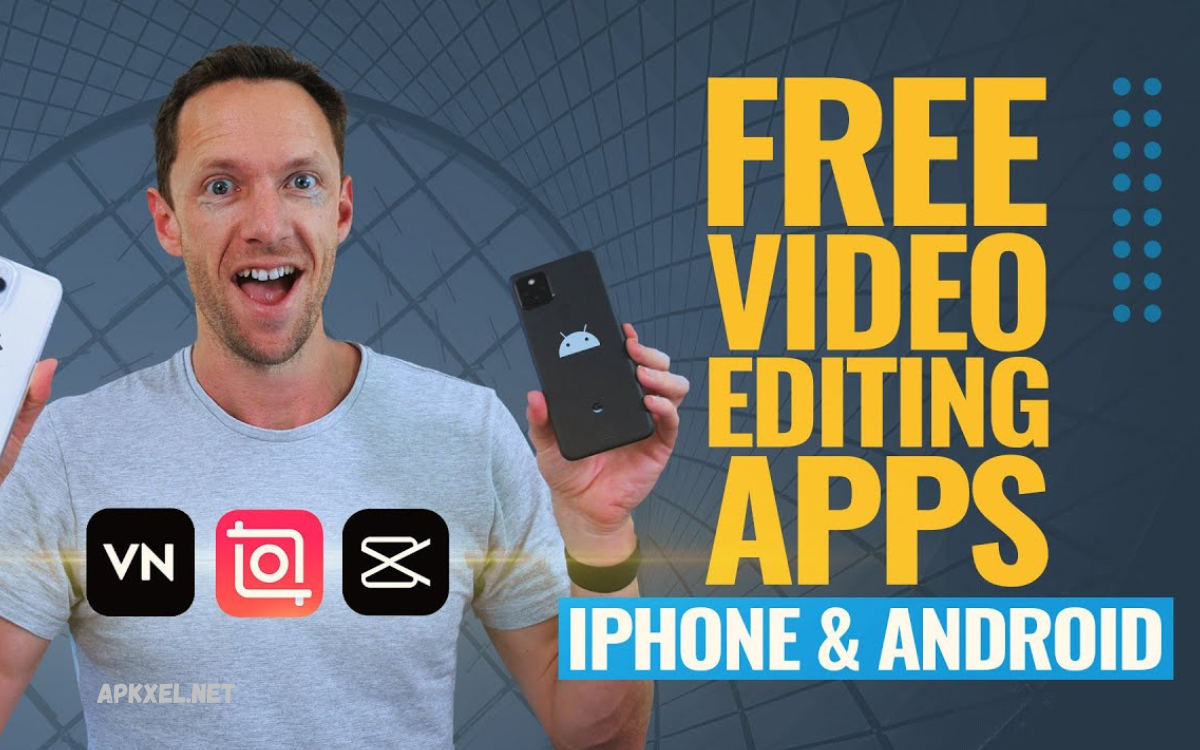
Video content has become one of the most powerful ways to communicate, market, and tell stories. Whether you are a content creator, freelancer, social media influencer, or small business owner, having access to reliable video editing tools is essential.
These apps are designed to help users edit videos smoothly, add transitions, apply visual effects, adjust audio, and export high-quality content suitable for platforms like YouTube, Instagram, TikTok, and even business presentations.
Why Free Video Editing Apps Are Important?
Free editing apps are essential for beginners and professionals who want cost-effective solutions without sacrificing quality. The demand for digital content is increasing, and creators need fast, flexible, and powerful tools.
Key reasons include:
- No cost for professional editing tools
- Easy access for beginners and students
- Fast video production for social media
- Availability on mobile and desktop platforms
- Continuous updates with new features
These benefits make free apps a strong choice for content creators worldwide.
Key Features of Best Free Video Editing Apps for Professional Use
Modern free editing apps are no longer basic tools. They include advanced features that support professional editing workflows.
1. Multi-Layer Editing
Allows users to combine videos, images, audio, and effects on different layers for advanced control.
2. Color Correction and Grading
Helps improve video quality by adjusting brightness, contrast, saturation, and tones for cinematic results.
3. Transitions and Effects
Smooth transitions and visual effects enhance storytelling and viewer engagement.
4. Audio Editing Tools
Includes background noise removal, sound effects, voiceover recording, and audio syncing.
5. AI-Based Tools
Modern apps offer auto subtitles, background removal, and smart editing suggestions.
6. Export in High Resolution
Supports HD, Full HD, and even 4K video exports for professional output.
Best Free Video Editing Apps for Professional Use
Below are some of the most powerful and widely used free video editing apps that deliver professional results.
DaVinci Resolve
DaVinci Resolve is one of the most powerful free video editing tools used by professionals worldwide. It is widely known for its advanced color grading system and cinematic editing capabilities.
Features:
- Professional color correction tools
- Multi-track video editing
- Visual effects and motion graphics
- Audio post-production tools
- 4K export support
Why It Stands Out:
It is used in film production, making it a top choice for high-end editing.
CapCut
CapCut is a popular mobile and desktop editing app designed for social media creators. It is simple, fast, and highly effective.
Features:
- AI auto captions
- Trendy transitions and effects
- Background removal tool
- Music and sound library
- Easy drag-and-drop editing
Why It Stands Out:
Perfect for TikTok, Instagram Reels, and YouTube Shorts creators.
Read Also: Top Photo Editing Apps in 2026 for Stunning Image Enhancement
HitFilm Express
HitFilm Express is a powerful free editor combining video editing and visual effects.
Features:
- Advanced VFX tools
- 3D compositing
- Professional editing timeline
- Green screen support
- High-quality export options
Why It Stands Out:
Ideal for creators who want Hollywood-style effects for free.
Shotcut
Shotcut is an open-source video editor that supports a wide range of formats and offers strong editing features.
Features:
- No watermark
- Wide format support
- Audio filters and editing tools
- 4K resolution support
- Cross-platform compatibility
Why It Stands Out:
Best for users who want a lightweight yet powerful editing tool.
OpenShot
OpenShot is a beginner-friendly video editor with a simple interface and essential editing tools.
Features:
- Drag-and-drop interface
- Unlimited layers
- Basic transitions and effects
- Title editor
- Cross-platform support
Why It Stands Out:
Best for beginners who want easy editing without complexity.
VN Video Editor
VN Video Editor is a rising free tool popular among mobile creators.
Features:
- No watermark
- Multi-layer timeline
- Speed control tools
- Advanced filters
- Music sync features
Why It Stands Out:
Offers professional features in a mobile-friendly interface.
iMovie (Apple Users)
iMovie is Apple’s free editing software designed for Mac and iOS users.
Features:
- Clean and simple interface
- Built-in templates
- 4K video editing support
- Audio editing tools
- Easy sharing options
Why It Stands Out:
Best option for Apple ecosystem users.
How to Choose the Right Video Editing App
Selecting the right tool depends on your goals and experience level.
For Beginners:
- CapCut
- OpenShot
- iMovie
For Intermediate Users:
- VN Video Editor
- Shotcut
For Professionals:
- DaVinci Resolve
- HitFilm Express
Always consider your device performance, editing needs, and output quality before choosing.
Benefits of Using the Best Free Video Editing Apps for Professional Use
Using free professional editing tools provides several advantages:
- Saves money on expensive software
- Improves content creation skills
- Increases productivity
- Supports social media growth
- Allows professional-quality output
These benefits make free tools a smart choice for modern creators.
Future of Video Editing Apps
Video editing technology continues to evolve rapidly. AI-powered editing, cloud-based workflows, and real-time collaboration are shaping the future. Free video editing apps are expected to become even more powerful, offering features that once required expensive studio software.
Creators will benefit from:
- Faster editing workflows
- Smarter automation tools
- Higher quality output with less effort
- More accessibility across devices
Frequently Asked Questions
Can I do professional video editing on a mobile phone?
Yes, many mobile apps like CapCut and VN offer professional-level features suitable for social media and content creation.
What skills are needed for video editing?
You need creativity, basic computer knowledge, storytelling sense, and understanding of timing, audio, and visuals.
Which software is best for beginners?
OpenShot, iMovie, and CapCut are best for beginners due to their simple interface and easy tools.
Do video editors need powerful computers?
Not always. Basic editing can be done on average systems, but professional editing benefits from higher RAM and strong processors.
What is the difference between editing and filming?
Filming is capturing raw video, while editing is improving and arranging that footage into a final product.
Can video editing be a career?
Yes, video editing is a high-demand career in media, marketing, freelancing, film production, and content creation.
How long does it take to learn video editing?
Basic editing can be learned in a few weeks, while professional-level skills may take several months of practice.
Conclusion
The Best Free Video Editing Apps for Professional Use have transformed digital content creation. They allow beginners and professionals to produce high-quality videos without financial barriers. From advanced tools like DaVinci Resolve to simple mobile apps like CapCut, each platform offers unique strengths for different types of creators.
Choosing the right app depends on your skill level, project requirements, and editing goals. With consistent practice and the right tools, anyone can create professional-level videos and build a strong digital presence.
