

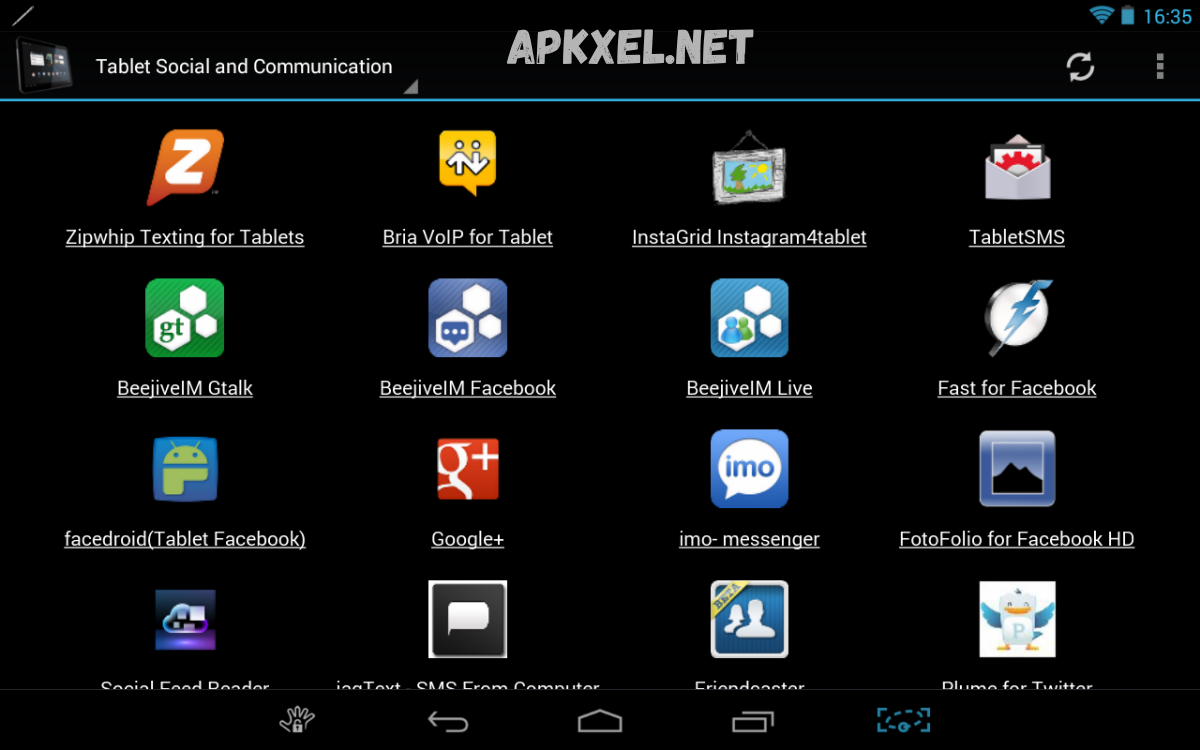
An APK (Android Package Kit) is the standard file format used by the Android operating system to distribute and install applications. On tablets, APK files function in the same way as on smartphones, but they are often optimized to take advantage of larger screens, higher resolutions, and improved multitasking capabilities.
For tablets, APKs can be installed through official app stores like the Google Play Store or manually via sideloading. Sideloading involves downloading the APK file from a trusted source and installing it directly on the device.
What Is APK for Tablets?
APK for tablets is an application package format designed for installation on Android-based tablet devices. APK files contain all components required to run an application, including compiled code, resources, assets, certificates, and configuration files.
While APK format remains consistent across Android devices, APK for tablets often includes enhancements that support larger screen interfaces, improved navigation structures, and multitasking capabilities.
APK for tablets enables:
- Installation of applications outside official stores
- Access to region-restricted applications
- Testing of beta or custom applications
- Deployment of enterprise applications
- Usage of modified or legacy application versions
Technical Structure of APK for Tablets
APK for tablets follows the standard Android packaging architecture but includes adaptations for tablet environments.
1. Android Manifest File
The AndroidManifest file defines core application attributes such as permissions, hardware requirements, activities, and services. In APK for tablets, this file often includes screen-size qualifiers to ensure compatibility across multiple tablet dimensions.
2. DEX Files
DEX (Dalvik Executable) files contain compiled application bytecode executed by the Android Runtime. APK for tablets may include optimized DEX structures for improved performance on high-resolution devices.
3. Resource Directory
The resource folder includes images, layouts, and UI components. Tablet-optimized APKs frequently include multiple layout directories such as:
- layout-large
- layout-sw600dp
- layout-sw720dp
These ensure responsive design across different tablet screen sizes.
4. Assets Folder
The assets directory stores raw files such as fonts, audio, configuration data, and offline content used by the application.
5. Native Libraries
Some APK for tablets includes native libraries written in C or C++ to enhance performance for graphics-intensive or computationally heavy applications.
Installation Methods for APK for Tablets
APK for tablets can be installed using multiple methods depending on user requirements and device configuration.
1. Installation via Official App Store
The most secure method involves downloading applications directly through the official Android marketplace. In this case, APK installation occurs automatically in the background.
2. Manual Installation (Sideloading)
Sideloading refers to manual installation of APK for tablets from external sources. Steps typically include:
- Enabling installation from unknown sources in settings
- Downloading APK file from a trusted source
- Opening file manager or browser download section
- Executing installation prompt
Sideloading provides flexibility but requires caution due to potential security risks.
3. ADB Installation
Advanced users may install APK for tablets using Android Debug Bridge (ADB), a command-line tool used for device debugging and application deployment.
4. Enterprise Deployment
Organizations may distribute APK for tablets using Mobile Device Management (MDM) systems for controlled deployment across multiple devices.
Compatibility Factors in APK for Tablets
Compatibility plays a critical role in performance and usability of APK for tablets.
1. Screen Size Compatibility
Tablets range from 7-inch compact models to 12-inch professional devices. APK for tablets must adapt UI layouts accordingly to avoid distortion or misalignment.
2. Operating System Version
Android version compatibility determines whether an APK for tablets can run without errors. Developers specify minimum SDK versions in the manifest file.
3. Hardware Requirements
Processor architecture (ARM, ARM64, x86), RAM capacity, and GPU performance affect APK for tablets execution.
4. Resolution Scaling
High-resolution tablets require scalable vector assets or multiple density-specific resources to maintain visual clarity.
5. Orientation Support
APK for tablets must support both portrait and landscape modes to ensure usability across different use cases.
Read Also: Safe Mod APKs – A Professional Guide to Risks, Security, and Best Practices
Advantages of APK for Tablets
APK for tablets provides multiple advantages for users and developers.
1. Flexible Application Access
Users can install applications not available in official stores, expanding software availability.
2. Custom Application Versions
APK for tablets allows installation of modified or older versions of applications tailored to specific needs.
3. Enhanced Productivity
Tablet-optimized APKs often support multitasking, split-screen usage, and desktop-like interfaces.
4. Offline Deployment
APK for tablets enables offline installation in environments with limited internet connectivity.
5. Development Testing
Developers use APK for tablets to test applications before public release.
Risks Associated with APK for Tablets
Despite advantages, APK for tablets introduces certain risks if not managed properly.
1. Security Vulnerabilities
Unverified APK files may contain malware, spyware, or malicious scripts that compromise device security.
2. Data Privacy Issues
Improperly sourced APK for tablets may request excessive permissions or access sensitive data.
3. Compatibility Errors
Incorrect APK versions may lead to crashes, performance degradation, or installation failure.
4. Lack of Automatic Updates
Manually installed APK for tablets do not always receive automatic updates, increasing exposure to outdated security patches.
Security Best Practices for APK for Tablets
Ensuring safety when using APK for tablets requires structured practices.
1. Use Trusted Sources
Always download APK files from verified and reputable platforms.
2. Verify File Integrity
Check digital signatures or checksum values before installation.
3. Review Permissions
Analyze requested permissions before installing APK for tablets to ensure they align with application functionality.
4. Use Antivirus Tools
Mobile security software helps detect malicious APK behavior.
5. Keep System Updated
Updated Android versions reduce vulnerabilities exploited by unsafe APK files.
Optimization Techniques for APK for Tablets
Developers optimize APK for tablets to ensure smooth performance and user experience.
1. Responsive UI Design
Adaptive layouts ensure proper display across different tablet sizes.
2. Resource Optimization
Compressed images and optimized assets reduce memory usage.
3. Code Efficiency
Efficient algorithms improve performance and reduce battery consumption.
4. Multi-Core Processing Support
APK for tablets can leverage multi-core CPUs for faster execution.
5. Lazy Loading
Loading resources on demand improves application startup speed.
Differences Between APK for Tablets and Smartphones
APK for tablets differs from smartphone APK usage in several ways:
- Larger screen optimization requirements
- Enhanced multitasking capabilities
- Different UI scaling strategies
- Higher resource consumption potential
- Split-screen and desktop mode support
These differences influence how developers structure APK for tablets and how users interact with applications.
Use Cases of APK for Tablets
APK for tablets serves multiple real-world applications.
1. Education
Tablets in educational environments use APK for tablets for learning apps, digital textbooks, and interactive tools.
2. Business Operations
Enterprise tablets use APK for tablets for CRM systems, data entry, and communication platforms.
3. Entertainment
Streaming apps and gaming applications are commonly distributed as APK for tablets.
4. Healthcare
Medical professionals use APK for tablets for patient records, diagnostics, and monitoring systems.
5. Field Work
Technicians and field workers rely on APK for tablets for reporting, navigation, and data collection.
Future of APK for Tablets
The future of APK for tablets is closely tied to Android ecosystem evolution. Key trends include:
- Increased adoption of foldable and hybrid devices
- Greater focus on adaptive UI frameworks
- Enhanced security protocols for sideloaded applications
- Integration with cloud-based application delivery
- Expansion of cross-device application continuity
APK for tablets will continue evolving toward more unified and adaptive application distribution systems.
Frequently Asked Questions
Why isn’t the APK for tablets installing on my device?
Installation failure may occur due to incompatible Android versions, unsupported hardware architecture, corrupted files, or insufficient storage space.
Can APK for tablets run on any Android tablet?
Not always. APKs for tablets must match the device’s specifications, including Android version, processor type, screen resolution, and memory capacity.
Do APKs for tablets receive automatic updates?
APKs for tablets installed manually (sideloaded) do not usually receive automatic updates. Updates must be downloaded and installed manually unless managed through an app store.
What are the benefits of APK for tablets?
APKs for tablets provide flexible app installation, access to restricted apps, offline installation, and enhanced productivity features optimized for large screens.
Can APK for tablets be modified?
Yes, but modifying APKs for tablets requires advanced technical knowledge. Altering APK files without authorization may violate terms of service or legal restrictions depending on usage.
What should I check before installing an APK for tablets?
Before installation, verify the source credibility, check permissions requested by the app, confirm compatibility with your tablet, and scan the file for potential security risks.
Conclusion
APK for tablets represents a fundamental component of the Android application ecosystem, enabling flexible installation, expanded accessibility, and enhanced device functionality. Understanding APK for tablets involves knowledge of technical structure, installation methods, compatibility requirements, optimization strategies, and security considerations.
For developers, APK for tablets offers opportunities to design adaptive, high-performance applications. For users, it provides freedom and control over software installation beyond conventional app stores. Proper handling of APKs for tablets ensures a balance between flexibility, performance, and security in modern Android tablet environments.
