

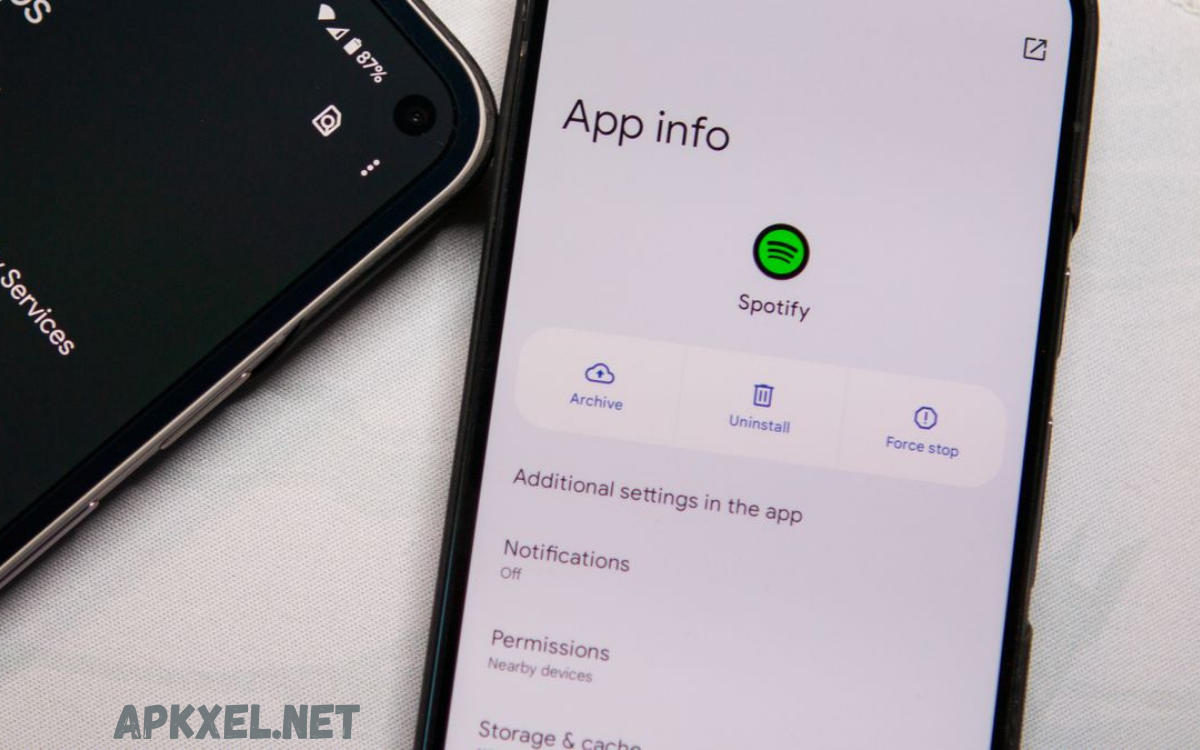
Android app archives, commonly known as APK files (Android Package Kit), are the standard format for distributing and installing applications on Android devices. An APK is essentially a compressed package that contains all the essential components an app needs to run, including compiled code, resources, assets, certificates, and the manifest file that defines its structure and permissions.
Beyond APKs, the Android ecosystem has also introduced AAB files (Android App Bundles), which optimize app delivery by generating device-specific APKs on the server side, reducing app size and improving installation efficiency. App archives play a crucial role not only in distribution but also in version management, testing, and backup processes.
Structure of Android App Archives
Android app archives maintain a structured format that ensures compatibility with Android operating systems. Each archive typically contains the following components:
- Manifest file: Declares application metadata, permissions, components, and version information.
- DEX files: Contain compiled bytecode executed by the Android Runtime (ART).
- Resource files: Include layouts, images, audio, XML configurations, and localized content.
- Native libraries: Architecture-specific binaries for devices such as ARM, ARM64, or x86.
- Certificates: Provide cryptographic signatures verifying archive integrity and origin.
This modular design allows developers to package complex applications into a single, deployable file. It also enables efficient updates, as components can be replaced or added without restructuring the entire archive.
APK Files: The Standard Android App Archives
APK files represent the most common type of Android app archives. Developers utilize APKs to distribute applications through official platforms like the Google Play Store or via direct downloads. APK files offer several advantages:
- Portability: Single-file packaging makes it easy to transfer across devices.
- Backward compatibility: APKs support older Android versions, ensuring wide device coverage.
- Security: Signing mechanisms prevent unauthorized modifications and ensure authenticity.
Distribution of APKs requires careful management of version codes, resource inclusion, and signing keys. Unverified APKs carry potential security risks, including malware injection or unauthorized data access.
Android App Bundles: Next-Generation Archives
To improve app delivery efficiency, Google introduced Android App Bundles (AAB). Unlike traditional APKs, app bundles separate applications into modular components, allowing the Play Store to generate optimized APKs tailored for specific devices. Key benefits include:
- Reduced file size: Devices download only the components necessary for their configuration.
- Faster installation: Optimized downloads improve user experience.
- Dynamic features: Developers can deliver optional functionality on demand, conserving storage space.
Android app bundles reflect a shift from monolithic archives to modular, adaptive delivery systems. For developers, this architecture requires knowledge of module definitions, dynamic feature integration, and bundle signing procedures.
Role in Development Lifecycle
Android app archives play a critical role in the application development lifecycle. During development, developers generate debug APKs for testing, ensuring application behavior aligns with functional requirements. Beta releases often involve unsigned or specially signed archives for testing on target devices.
In production, signed APKs or AABs undergo rigorous validation before distribution. Tools such as Android Studio, Gradle, and command-line utilities assist developers in managing archive compilation, signing, and optimization processes.
Security and Integrity
Maintaining integrity within Android app archives ensures trust between developers and end users. Each archive must be signed with a unique cryptographic key. This signing mechanism provides several security guarantees:
- Authentication: Confirms archive origin.
- Integrity: Detects tampering or modifications.
- Update verification: Ensures only authorized updates replace existing applications.
Malicious actors may attempt to manipulate APK contents. Reverse engineering of archives through decompilation tools highlights the importance of code obfuscation, secure signing, and adherence to security best practices.
Distribution Channels
Android app archives are distributed via multiple channels:
- Google Play Store: Official marketplace for APK and AAB deployment.
- Third-party app stores: Alternative distribution platforms with varying policies.
- Enterprise deployment: Direct installation for corporate applications via Mobile Device Management (MDM) solutions.
Each channel imposes specific packaging, signing, and submission requirements. Developers must adapt the archive configuration to meet platform guidelines while ensuring security and performance.
Read Also: Best APK Review Site – Compare Top Platforms for Safe Downloads
Optimization Techniques
Optimizing Android app archives improves performance, reduces size, and enhances user experience. Strategies include:
- Resource shrinking: Removes unused assets and code.
- Code minification: Reduces method counts and obfuscates logic.
- Split APKs: Separate architecture-specific libraries to reduce download size.
- Lazy loading: Delivers dynamic features on demand.
Optimization ensures archives remain efficient across diverse device configurations, networks, and storage limitations.
Analysis and Inspection
Analyzing Android app archives benefits developers, security analysts, and quality assurance teams. Techniques include:
- Static analysis: Examines archive structure, permissions, and metadata.
- Dynamic testing: Monitors runtime behavior for performance or security issues.
- Reverse engineering: Validates integrity and detects embedded threats.
Modern tools such as APK Analyzer, JADX, and Android Debug Bridge (ADB) simplify archive inspection, providing insights into application composition and potential vulnerabilities.
Future Trends
Android app archives continue evolving alongside device capabilities and user expectations. Trends shaping their future include:
- Modular applications: Greater adoption of dynamic feature delivery.
- Cloud-based deployment: Server-side optimization for real-time archive generation.
- Enhanced security mechanisms: Integration of advanced cryptography and tamper-proof signatures.
- Cross-platform compatibility: Tools enabling seamless Android and other OS deployments.
These trends position Android app archives as central components of modern mobile ecosystems, balancing developer flexibility, user experience, and security.
Frequently Asked Questions
Why are Android app archives signed?
Signing ensures authenticity, verifies the developer’s identity, and prevents tampering. Android devices only install signed APKs, and updates require matching signatures for security.
How do Android app archives handle multiple device types?
Archives can include multiple architecture-specific binaries and resources. AABs further optimize this by generating device-specific APKs, delivering only the necessary components for each device.
Can Android app archives be updated without reinstalling the app?
Yes, Android supports incremental updates. Developers can release patch APKs or utilize the Play Store’s dynamic delivery system to update only the modified components.
How can developers optimize Android app archives?
Optimization techniques include code minification, resource shrinking, split APKs, lazy feature loading, and asset compression. These reduce size, improve performance, and enhance user experience.
Can Android app archives be reverse-engineered?
Yes, APK files can be decompiled to inspect code and resources using tools like JADX or APKTool. Developers should use obfuscation and secure signing to protect intellectual property.
Conclusion
Android app archives remain critical assets in mobile application development, distribution, and security. Understanding APK and AAB structures enables developers to build optimized, secure, and scalable applications. From code compilation to deployment, from signing integrity to modular distribution, Android app archives underpin the Android ecosystem.
In essence, Android app archives are not just distribution files; they represent the bridge between development innovation and user adoption, facilitating a seamless connection across devices, platforms, and global markets.
