

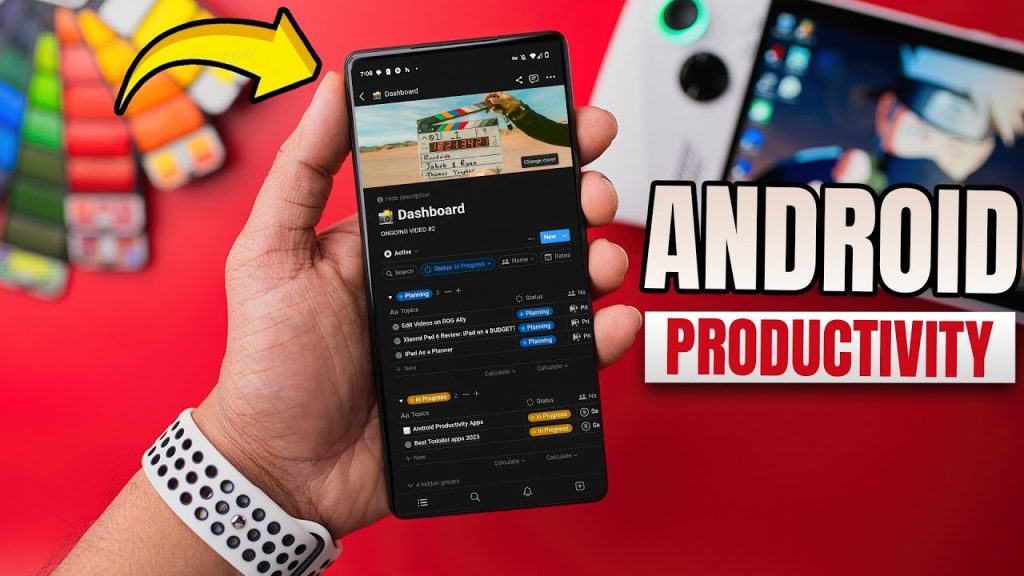
Staying productive is more challenging than ever. With countless tasks, deadlines, and responsibilities competing for our attention, leveraging the right tools can make a significant difference. Android smartphones, integral to our daily lives, offer a wide range of apps to help users organize, manage, and optimize their time effectively.
These apps are not just about keeping lists or reminders they empower users to streamline workflows, prioritize tasks, and maintain focus amidst distractions. Whether you are a student, professional, entrepreneur, or freelancer, the right productivity app can enhance your efficiency, reduce stress, and ensure you achieve your goals on time.
Task Management Apps
Task management apps are essential for organizing your day, tracking deadlines, and prioritizing crucial tasks.
1.1 Todoist
Todoist remains one of the most popular task management apps due to its simplicity and versatility. It allows users to create tasks, set deadlines, add labels, and categorize tasks into projects. The app also features smart reminders, recurring tasks, and integrations with other tools like Google Calendar and Slack. Todoist’s intuitive interface makes it perfect for both personal and professional task management.
Key Features:
- Task prioritization with color-coded levels
- Recurring tasks and smart scheduling
- Collaboration for team projects
- Cross-platform synchronization
1.2 Microsoft To Do
Microsoft To Do is ideal for users who prefer a clean, organized interface. It seamlessly integrates with Microsoft 365, allowing you to manage work and personal tasks in one place. Its “My Day” feature helps you focus on daily priorities without feeling overwhelmed by long task lists.
Key Features:
- Daily planner with “My Day”
- Task sharing and collaboration
- Integration with Outlook and Microsoft 365
- Easy-to-use interface for beginners
1.3 TickTick
TickTick is a versatile productivity app combining task management with habit tracking and a built-in Pomodoro timer. It’s perfect for users who want to combine task management and focus techniques in a single app.
Key Features:
- Task lists, reminders, and priorities
- Pomodoro timer for focused work sessions
- Habit tracking
- Calendar view to plan your month efficiently
Note-Taking Apps
Taking notes is a fundamental part of productivity, whether for studying, work meetings, or brainstorming.
2.1 Evernote
Evernote is a classic note-taking app known for its robust features. You can create notes with text, images, audio, and even scanned documents. Its powerful search and organizational tools make finding information fast and easy.
Key Features:
- Multimedia note creation (text, images, audio)
- Document scanning and attachment support
- Advanced search with OCR technology
- Notebook organization and tagging
2.2 Notion
Notion has gained immense popularity due to its flexibility and all-in-one workspace. It allows users to create notes, databases, task lists, and project boards, all in a single app. Notion is perfect for users who want to combine personal productivity with team collaboration.
Key Features:
- All-in-one workspace for notes, tasks, and projects
- Customizable templates for productivity and project management
- Team collaboration with real-time editing
- Integration with Google Drive, Slack, and other tools
2.3 Google Keep
For users who prefer simplicity, Google Keep is a lightweight, fast note-taking app. It allows you to create color-coded notes, checklists, and reminders. Google Keep’s integration with Google Workspace ensures your notes are always synced across devices.
Key Features:
- Quick note-taking with labels and colors
- Voice notes and image attachment support
- Integration with Google Workspace
- Location-based reminders
Focus and Time Management Apps
Staying focused is crucial in a world full of distractions. These apps help you manage your time and maintain concentration.
3.1 Forest
Forest gamifies focus by encouraging you to stay away from your phone. When you focus, a virtual tree grows; if you leave the app, the tree dies. This unique approach motivates users to concentrate on their tasks.
Key Features:
- Gamified focus and productivity
- Visual tracking of focus sessions
- White noise and ambient sounds to reduce distractions
- Encourages long-term focus habits
3.2 Focus To-Do
Focus To-Do combines the Pomodoro technique with task management. It’s perfect for breaking work into focused intervals with short breaks, boosting efficiency and reducing burnout.
Key Features:
- Pomodoro timer with customizable intervals
- Task lists and reminders
- Focus statistics to track productivity
- Integration with calendar apps
3.3 RescueTime
RescueTime runs in the background on your Android device to track app usage and screen time. It provides detailed reports, helping you identify distractions and optimize your daily schedule.
Key Features:
- Automatic time tracking of apps and websites
- Productivity scoring and daily reports
- Goal setting and alerts for distractions
- Insights for long-term habit improvement
Read Also: Best APK Mirror Alternatives for Safe Android App Downloads
Collaboration and Communication Apps
Collaboration tools are essential for team productivity, especially in remote work settings.
4.1 Slack
Slack is a leading team communication platform, providing channels for team discussions, file sharing, and real-time collaboration. Its integration with other tools like Google Drive, Trello, and Zoom makes it indispensable for modern workplaces.
Key Features:
- Organized channels for communication
- File sharing and app integrations
- Direct messaging and group chats
- Searchable conversation history
4.2 Trello
Trello is a visual project management app that uses boards, lists, and cards to organize tasks. It’s ideal for teams and individuals who prefer a visual approach to project tracking.
Key Features:
- Drag-and-drop task management
- Collaboration with team members
- Checklists, deadlines, and labels
- Integration with Slack, Google Drive, and more
4.3 Google Workspace
Google Workspace apps like Docs, Sheets, and Drive are essential for productivity and collaboration. They allow multiple users to work on documents in real-time, share files, and maintain seamless communication.
Key Features:
- Real-time collaboration on documents and spreadsheets
- Cloud storage and file sharing
- Integration across Gmail, Calendar, and other Google apps
- Mobile-friendly interface for on-the-go productivity
Habit Tracking and Personal Productivity Apps
Building good habits is a cornerstone of productivity. These apps help you monitor progress and stay consistent.
5.1 Habitica
Habitica turns habit tracking into a role-playing game, where completing tasks and habits earns rewards and experience points. This gamification makes habit-building fun and engaging.
Key Features:
- Gamified habit and task tracking
- Rewards and achievements for completed tasks
- Social accountability with friends and guilds
- Customizable daily, weekly, and monthly goals
5.2 Streaks
Streaks helps you build good habits by tracking consecutive days of habit completion. The app’s simplicity makes it easy to use while maintaining motivation.
Key Features:
- Track daily habits and streaks
- Visual reminders and motivational charts
- Focus on a small number of habits at a time
- Integration with Apple Health (if needed across devices)
Benefits of Using Android Productivity Apps
Using these apps effectively can provide multiple benefits:
- Enhanced Organization: Keep all tasks, notes, and projects in one place.
- Improved Time Management: Prioritize tasks and reduce wasted time.
- Better Focus: Tools like Forest and Pomodoro timers help reduce distractions.
- Collaboration: Real-time collaboration with teams improves efficiency.
- Goal Tracking: Habit and task trackers help maintain consistent progress.
- Accessibility: Cloud sync ensures your data is available across devices anytime, anywhere.
Tips to Maximize Productivity with Android Apps
- Select the Right Apps: Focus on apps that match your workflow, rather than installing too many.
- Use Notifications Wisely: Enable essential reminders and disable unnecessary ones to avoid distractions.
- Integrate Tools: Choose apps that integrate with each other for seamless workflow.
- Set Goals: Use task and habit trackers to set daily, weekly, and monthly goals.
- Review Regularly: Periodically assess your productivity data to optimize your routines.
Frequently Asked Questions
Can productivity apps help with focus?
Yes. Apps like Forest, Focus To-Do, and RescueTime help users reduce distractions, track time, and maintain concentration using techniques like gamification and the Pomodoro method.
Are productivity apps suitable for students?
Absolutely. Students can use apps like Evernote, Notion, and Google Keep to take notes, manage assignments, create study schedules, and collaborate on group projects.
Do productivity apps sync across devices?
Most modern productivity apps support cloud synchronization, allowing users to access their tasks, notes, and projects seamlessly across Android phones, tablets, and even desktops.
Can these apps help with team collaboration?
Yes. Tools like Slack, Trello, and Google Workspace are designed to facilitate team communication, project management, and real-time collaboration efficiently.
Which apps are best for habit tracking?
Popular habit trackers include Habitica, Streaks, and TickTick, which motivate users to maintain consistency in personal and professional habits.
Are Android productivity apps safe to use?
Most reputable apps are safe and secure, especially those on the Google Play Store. Always check app permissions, reviews, and privacy policies before use.
How do I choose the best productivity app for me?
Identify your specific needs task management, note-taking, focus, collaboration, or habit tracking and choose apps that integrate well into your workflow, are easy to use, and suit your personal preferences.
Conclusion
Android productivity apps have revolutionized the way we manage our tasks, time, and goals. From task managers like Todoist and TickTick to note-taking apps like Evernote and Notion, there is a tool for everyone’s needs. Focus-enhancing apps like Forest and Focus To-Do help maintain concentration, while collaboration tools like Slack and Trello streamline teamwork.
By leveraging the right combination of these apps and incorporating effective productivity strategies, you can transform your Android device into a powerful productivity hub. The right tools can make the difference between chaos and control, helping you achieve more, stress less, and stay on top of your life.
