

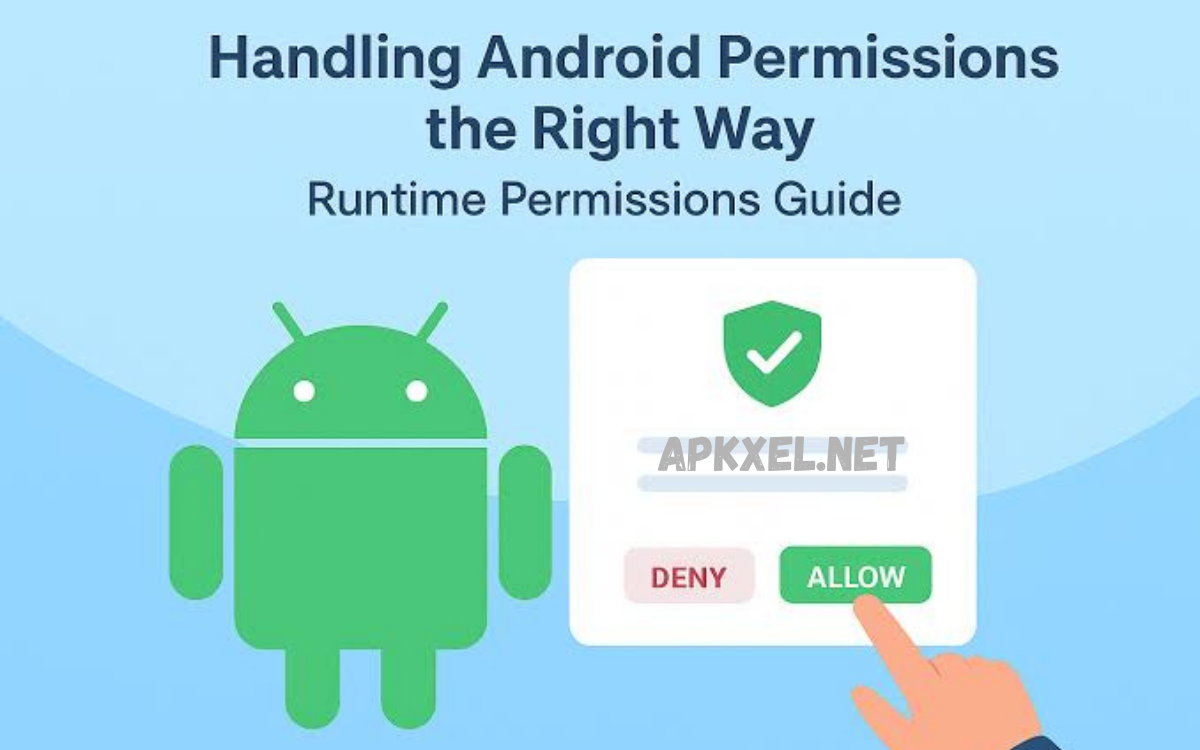
An APK permissions guide explains how Android application packages (APKs) request and use access to device features and user data. Every Android app must declare permissions in its manifest file, specifying what system resources it intends to use, such as camera, microphone, contacts, location, storage, or phone state. These permissions are part of Android’s security model, designed to protect users by enforcing controlled access between apps and sensitive system functions.
Modern Android versions classify permissions into different levels, including normal and dangerous permissions. Normal permissions are granted automatically because they pose minimal risk, while dangerous permissions require explicit user approval at runtime. This ensures users have visibility and control over sensitive data access and can make informed decisions before granting access.
What Is an APK Permissions Guide?
An APK permissions guide is a structured explanation of how Android application package (APK) files request, manage, and utilize access to system resources. These resources include sensitive components such as camera, microphone, location services, contacts, storage, and telephony functions. Every APK must define its required permissions in the AndroidManifest file before installation or execution.
This guide serves both users and developers by clarifying what each permission means and why it is required. For users, it improves awareness of data access behavior before installing an application. For developers, it ensures the proper implementation of permission requests that align with Android security standards and user privacy expectations.
An APK permissions guide also acts as a security reference framework. It helps identify whether an app’s requested permissions are reasonable for its functionality or potentially excessive. This evaluation is essential for maintaining trust in the Android ecosystem.
Why APK Permissions Matter
APK permissions matter because they directly control how applications interact with user data and device hardware. Without permissions, apps would either be non-functional or pose significant security risks due to unrestricted access.
Permissions ensure that sensitive operations—such as accessing photos, tracking location, or recording audio—are not performed without user consent. This creates a controlled environment where privacy is preserved and misuse is minimized.
From a security standpoint, APK permissions serve as the first line of defense against malicious software. They help prevent unauthorized data collection, background spying, and system manipulation by restricting app capabilities unless explicitly allowed.
Types of Android Permissions
Android permissions are categorized into multiple levels based on risk and sensitivity. Understanding these categories is essential in any APK permissions guide.
Normal permissions are low-risk and automatically granted by the system. These include access to basic network information or vibration control. They do not require user approval because they do not expose sensitive data.
There are also special permissions that require system-level approval. These include permissions like modifying system settings or drawing over other apps. Such permissions are tightly controlled due to their potential impact on device behavior.
How APK Permissions Work
APK permissions operate through a declaration-and-enforcement model. During development, permissions are declared inside the AndroidManifest file. This declaration informs the Android system about the app’s intended capabilities.
When a user installs or runs the application, the Android operating system checks the declared permissions. Depending on the permission type, the system either grants access automatically or prompts the user for approval.
At runtime, apps request permissions dynamically if needed. The system displays a dialog explaining the requested access. The user then has the option to allow or deny the request, providing real-time control over data exposure.
Read Also: Future of AI Technology: Transforming Industries, Society, and Human Potential
Dangerous vs Normal Permissions
Dangerous permissions are those that can access private user data or affect device functionality. Examples include reading contacts, accessing precise location, or using the microphone. These permissions require explicit consent because they can be exploited for surveillance or data theft.
Normal permissions are considered safe because they do not expose sensitive information. Examples include setting alarms or accessing internet connectivity status. These permissions are automatically granted without user intervention.
Understanding the distinction between dangerous and normal permissions is critical when evaluating any APK permissions guide. It helps users identify potential risks before installing applications and ensures better control over personal data.
Runtime Permission Model in Android
The runtime permission model was introduced to enhance user privacy and control. Instead of granting all permissions during installation, users are now prompted when an app actually needs access.
This approach improves transparency. Users can decide whether a specific feature justifies granting access. For example, a messaging app may request camera access only when the user attempts to send a photo.
The runtime model also allows users to revoke permissions at any time through system settings. This dynamic control significantly reduces the risk of long-term unauthorized access by applications.
Risks of Excessive Permissions
Excessive permissions pose a major security and privacy risk. When an application requests more permissions than necessary, it increases the attack surface for potential misuse.
For example, a simple flashlight application requesting access to contacts, microphone, and location is a clear warning sign. Such behavior may indicate data harvesting or malicious intent.
Excessive permissions can also lead to background data collection without user awareness. This may include tracking behavior, collecting personal information, or transmitting data to external servers without consent.
How to Check APK Permissions
Checking APK permissions is an essential step before installing any application, especially from third-party sources. Android devices provide built-in settings where users can review permissions assigned to each app.
During installation, the system displays a summary of requested permissions. Users should carefully review this list and compare it with the app’s intended functionality.
Advanced users can also inspect APK files using analysis tools to view detailed permission structures. This helps identify hidden or unnecessary access requests before installation.
Best Practices for Users
Users should adopt a cautious approach when granting permissions. The first best practice is to evaluate whether the requested permission aligns with the app’s core functionality.
It is also important to regularly review installed applications and revoke permissions that are no longer necessary. Many apps continue to access data even when not actively in use.
Users should avoid installing APK files from untrusted sources. Sideloaded applications often bypass official security checks, increasing the risk of excessive or malicious permission requests.
Best Practices for Developers
Developers should follow the principle of least privilege when designing applications. This means requesting only the permissions essential for core functionality.
Each permission request should be clearly justified in the user interface. Transparent communication improves trust and reduces the likelihood of permission denial.
Developers should also implement progressive permission requests, asking for access only when a feature is needed. This aligns with modern Android guidelines and improves user experience.
Sideloading and Permission Risks
Sideloading APK files introduces additional security challenges. Since these applications are not verified through official app stores, they may include poorly implemented or malicious permission structures.
Users installing sideloaded APKs are at higher risk of granting unnecessary permissions without fully understanding their implications. This can lead to data exposure or system compromise.
An APK permissions guide becomes especially important in this context, as it helps users critically evaluate each permission request before installation.
Future of Android Permissions
The future of Android permissions is moving toward greater automation and privacy protection. Android continues to refine permission categories and reduce unnecessary access requirements.
Newer systems are focusing on one-time permissions, auto-reset features, and background access restrictions. These improvements limit how long apps can retain sensitive access without user interaction.
Frequently Asked Questions
What are dangerous permissions in Android?
Dangerous permissions include access to sensitive information such as contacts, precise location, microphone, and storage. These require explicit user consent because they can directly affect privacy and security if misused.
Can permissions be changed after installation?
Permissions can be modified after installation through Android system settings. Users can enable or disable specific permissions at any time, depending on the app’s compatibility and system restrictions.
What happens if a permission is denied?
If a permission is denied, the corresponding app feature may not work properly. Some apps may still function with limited features, while others may require the permission to operate fully.
Why do some apps request too many permissions?
Some apps request excessive permissions due to poor design, advertising tracking, or data collection practices. In some cases, it may indicate unnecessary access attempts that are not required for core functionality.
Is it safe to install APK files from unknown sources?
Installing APK files from unknown sources carries higher security risk. These files may contain unverified permission requests or malicious code, making it important to review permissions carefully before installation.
How can users check APK permissions before installation?
Users can review permissions during installation prompts or in Android settings after installation. This helps identify what data and device features an app is trying to access.
Conclusion
An APK permissions guide is essential for understanding how Android applications interact with sensitive data and system functions. It provides clarity on permission types, risks, and user control mechanisms.
By understanding permissions, users can make informed decisions, reduce exposure to malicious applications, and maintain better privacy control. Developers benefit by building transparent, secure, and compliant applications that align with modern Android security standards.
